
Simple Storage Network is stable, but a storage mod touches so many blocks that small mistakes show up fast. Missing items, an empty request table or a crash at startup almost always trace back to a handful of causes. Work through the fixes below in order, and keep a world backup handy before you change anything.
The game crashes on launch
Startup crashes are nearly always a version problem, not a bug in the mod.
Check the loader and Minecraft version
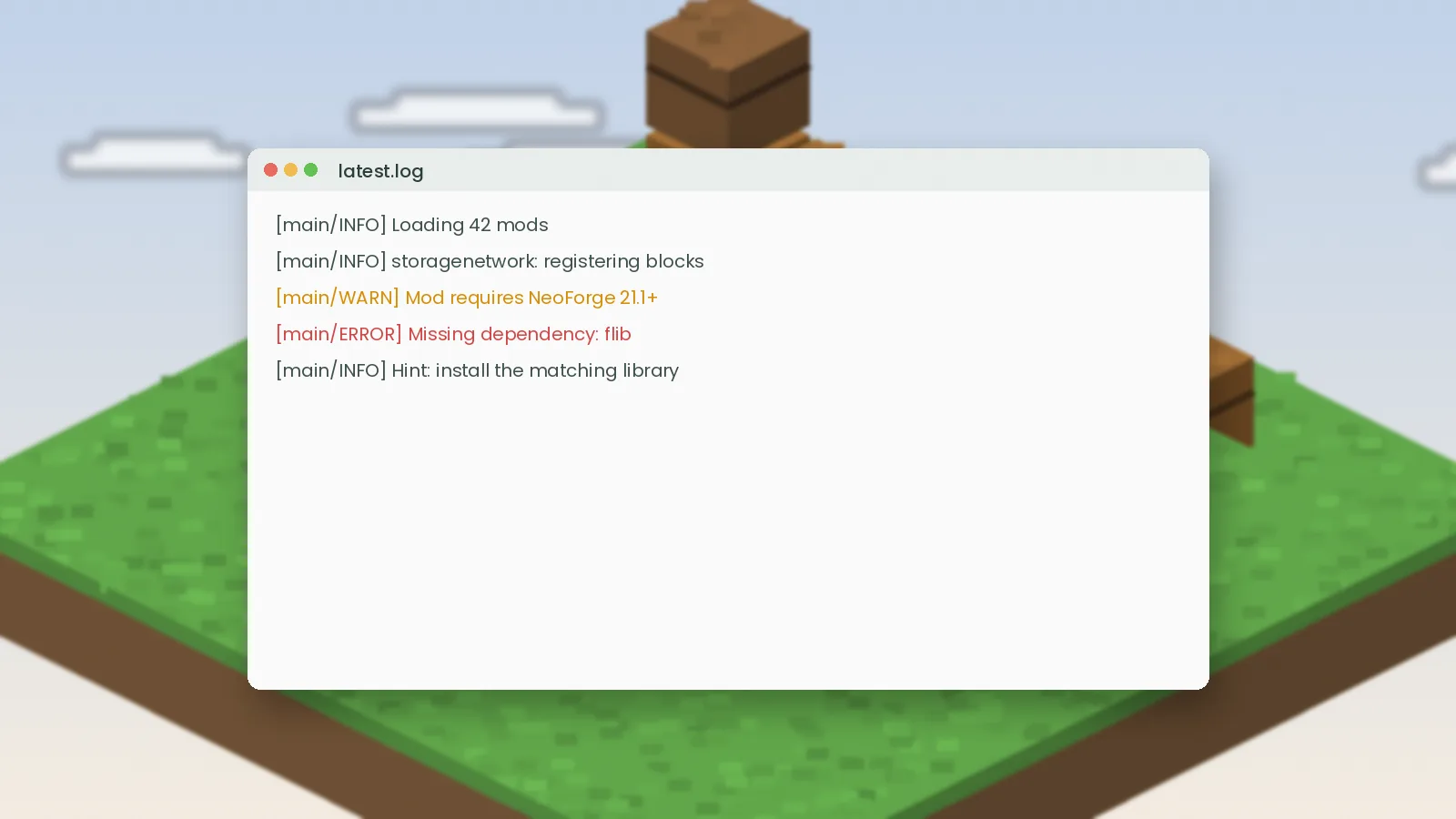
Open logs/latest.log and search for "storagenetwork". If the log mentions a required loader version, update your loader to match.
Look for missing dependencies
Some builds need a library mod. The release notes list it; install the version that matches your Minecraft version.
The request table shows nothing
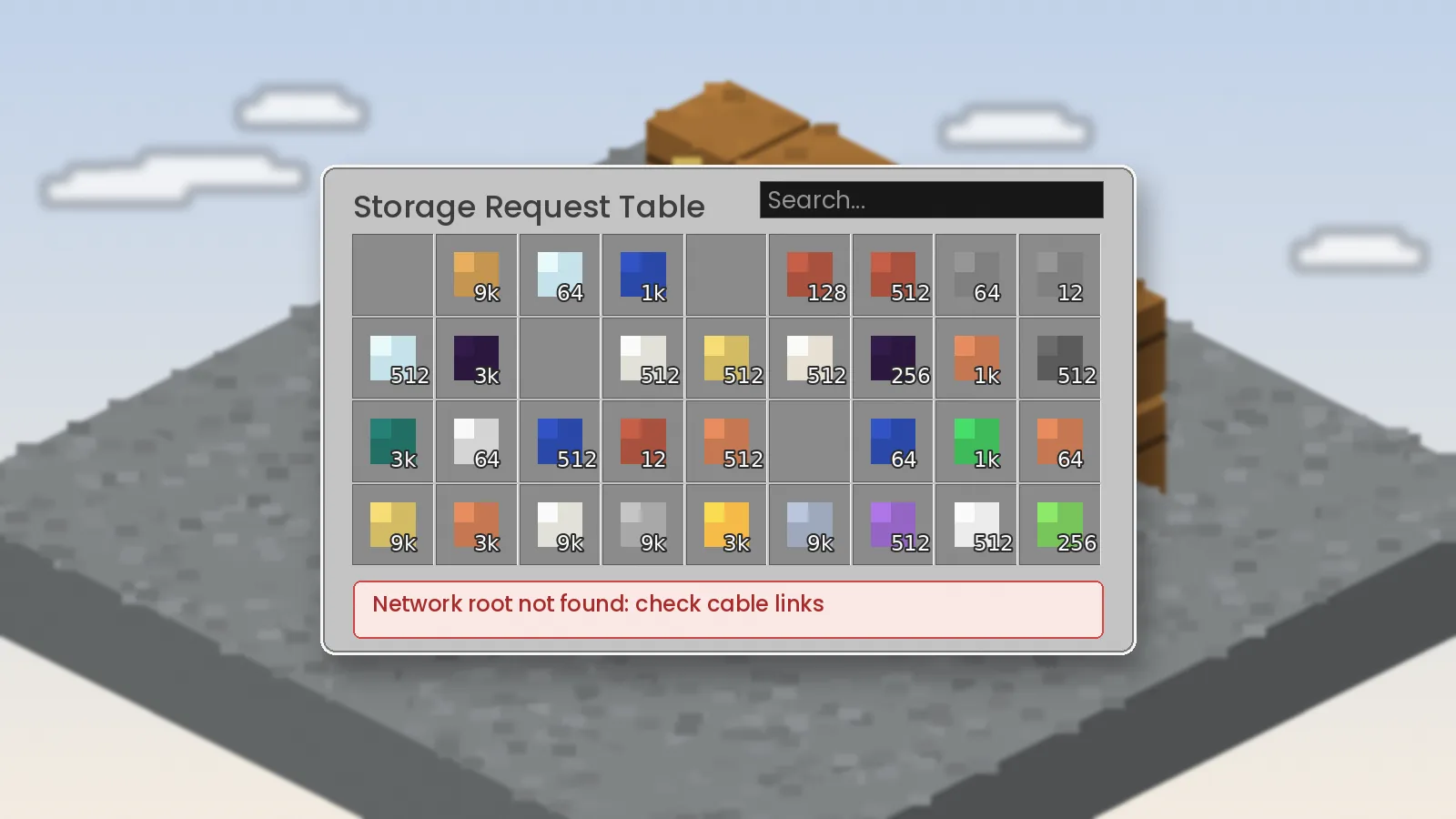
No path to the root
Every table must reach the root through connected cable. Break and replace one cable next to the table to force a refresh, then check for gaps.
Plain cables instead of link cables
Plain cables carry the connection but do not read chests. Each inventory needs a link cable touching it.
Items disappear or will not insert
Two roots on one network
If two roots share a cable line the network can behave unpredictably. Remove one.
Filters blocking storage
A link cable with a whitelist will refuse items not on the list. Open each link cable and check its filter and priority.
Storage is simply full
The table cannot create space. Add another chest with a link cable, or upgrade to bigger containers.
Performance drops in big bases
Hundreds of cables with fast upgrades can add up on busy servers. Remove speed upgrades from cables that do not need them, avoid import-export loops and split distant outposts into their own networks with remote access.
Search lag
If the table stutters while typing, reduce the number of tiny inventories on the network. Fewer, larger containers search faster.
Still stuck?
Search the GitHub issue tracker for your error message, and include your log when you report a new issue. You can also reach us through our contact page, and browse the FAQ for quick answers.