
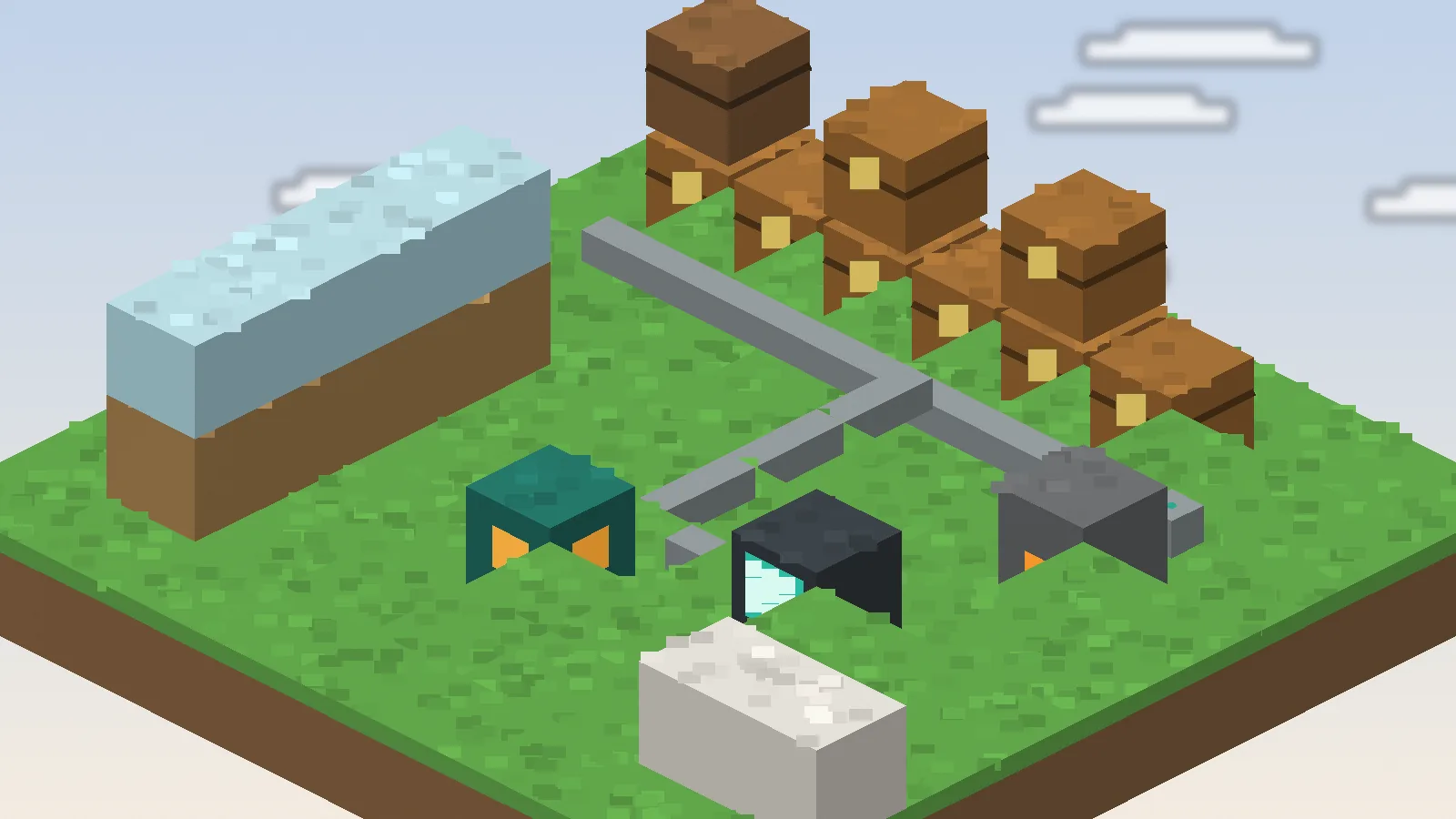
Your first Simple Storage Network does not need to be big. A root block, a few link cables, some chests and one request table are enough to end the daily chest-hunt for good. This guide walks through a starter build, explains what each block does and shares the layout habits that keep the network tidy as it grows.
The four blocks that matter
Everything in Simple Storage Network is built from a handful of parts. Learn these first and the rest of the mod makes sense quickly.
Network root
The root is the heart of the network. Every cable and terminal must trace a path back to exactly one root. Place it somewhere central and protected.
Storage cables and link cables
Plain cables carry the connection. Link cables are the ones that actually attach to an inventory and add its contents to the network. Put a link cable against each chest you want included.
Storage Request Table
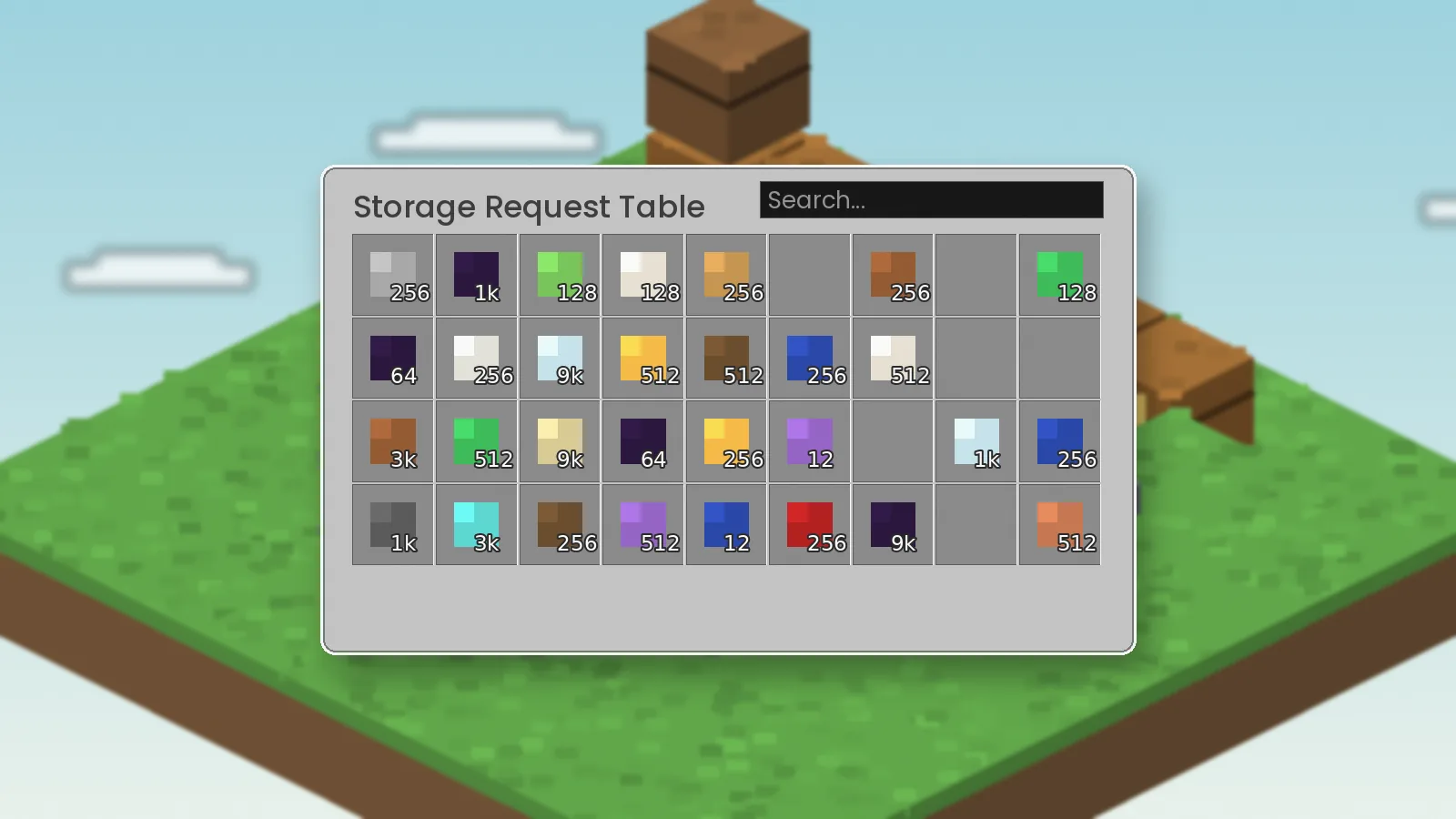
This is your window into the network. Open it to search, sort and pull items from every linked chest at once. Most versions include a crafting grid on the same screen.
Remotes
Remotes open the network from anywhere once they are linked to it. They are the reward for building a proper system rather than a pile of chests.
Building a starter network
- Place the network root on the floor of your storage room.
- Run a line of storage cable from the root along your chest wall.
- Replace the cable touching each chest with a link cable.
- Connect a request table to the same cable line.
- Open the table and check that items from every chest appear.
Organising as you grow
A network that works with six chests can get messy with sixty. A little planning saves a rebuild later.
Use barrels or high-capacity containers
The network treats any supported inventory the same way, so larger containers give you more space per cable.
Set priorities on link cables
Link cables can hold filters and priorities in most versions. Send ores to one bank, building blocks to another and let a catch-all chest take everything else.
Leave room for expansion
Run cable one block further than you need. Future chests then plug in without tearing up the floor.
Everyday habits
Dump your inventory straight into the request table rather than into individual chests. The network finds space for you. Use the search box for partial names, so typing "ing" lists every ingot in one go.
Keep one root
Two roots touching the same cable line confuse the network. If items vanish from the list, check for a second root first.
Where to go next
Once the basics feel natural, automate with import and export cables and read our full usage guide for advanced tips.