
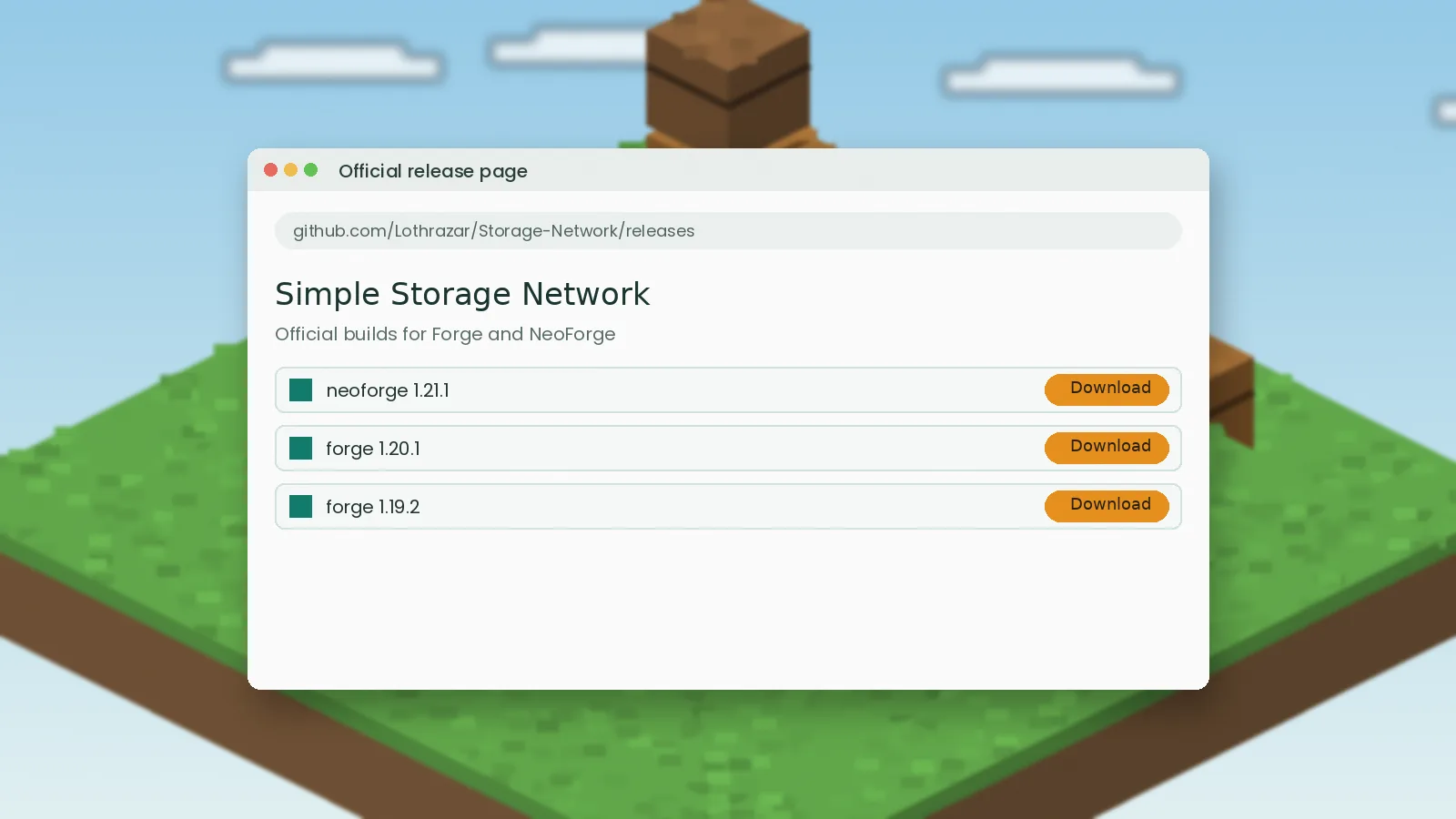
A Simple Storage Mod download takes less than a minute, but grabbing it from the wrong place can cost you a world save or worse. This guide shows the official sources, how to match the file to your Minecraft version and loader, and a quick checklist to confirm the jar is genuine before it goes into your mods folder.
Where the official files live
Simple Storage Network, the mod most players mean when they search for Simple Storage Mod, is maintained by Lothrazar. The original Storage Network was created by MrRiegel for Minecraft 1.10, and Lothrazar has kept it updated for modern versions with permission. That history matters, because it tells you exactly who should be publishing the files.
GitHub repository
The source code lives in the Lothrazar/Storage-Network repository on GitHub. It is the best place to read the changelog, open issues and check which Minecraft branches are still active. Our download buttons point here first.
CurseForge project page
CurseForge hosts the compiled jar files for every supported Minecraft version, including the long-lived 1.12.2 line. If you use the CurseForge app, installing from there also handles updates for you.
Picking the right file
Most failed installs come from a version mismatch, not from a bad download. Before you click anything, open your launcher and note two things: the Minecraft version and the mod loader.
Match the Minecraft version exactly
A jar built for 1.20.1 will not load on 1.21.1, even though the numbers look close. File names include the target version, so read them carefully.
Match the loader
Recent builds target NeoForge, while older versions target Forge. Simple Storage Network does not ship a Fabric build; if you play on Fabric, read our Fabric guide for the closest option.

A five-point safety checklist
Run through these checks every time you download a mod, not only this one.
- The URL is github.com or curseforge.com, not a look-alike domain.
- The file ends in
.jar. An.exeor.zipinstaller is a red flag. - The file size is small, usually well under 1 MB for this mod.
- The upload date and version match the changelog.
- Your antivirus scan comes back clean.
Verifying the SHA256 hash
If the release lists a hash, compare it with your copy. On Windows run certutil -hashfile file.jar SHA256; on macOS or Linux run shasum -a 256 file.jar. Identical strings mean the file was not altered in transit.
Sites to avoid
Reupload sites copy mod files, wrap them in ad-heavy download pages and sometimes swap the jar for something else. They also take download counts away from the developer, which affects how mods get supported.
Warning signs
Countdown timers, "download manager" prompts, browser notification requests and password-protected archives are all signs you are not on an official page. Close the tab and use the links on our download page instead.
After the download
Keep the jar somewhere easy to find, then follow our installation guide. Always back up your world before adding a storage mod to an existing save, especially on a server where other players depend on it.