
Search every chest at once
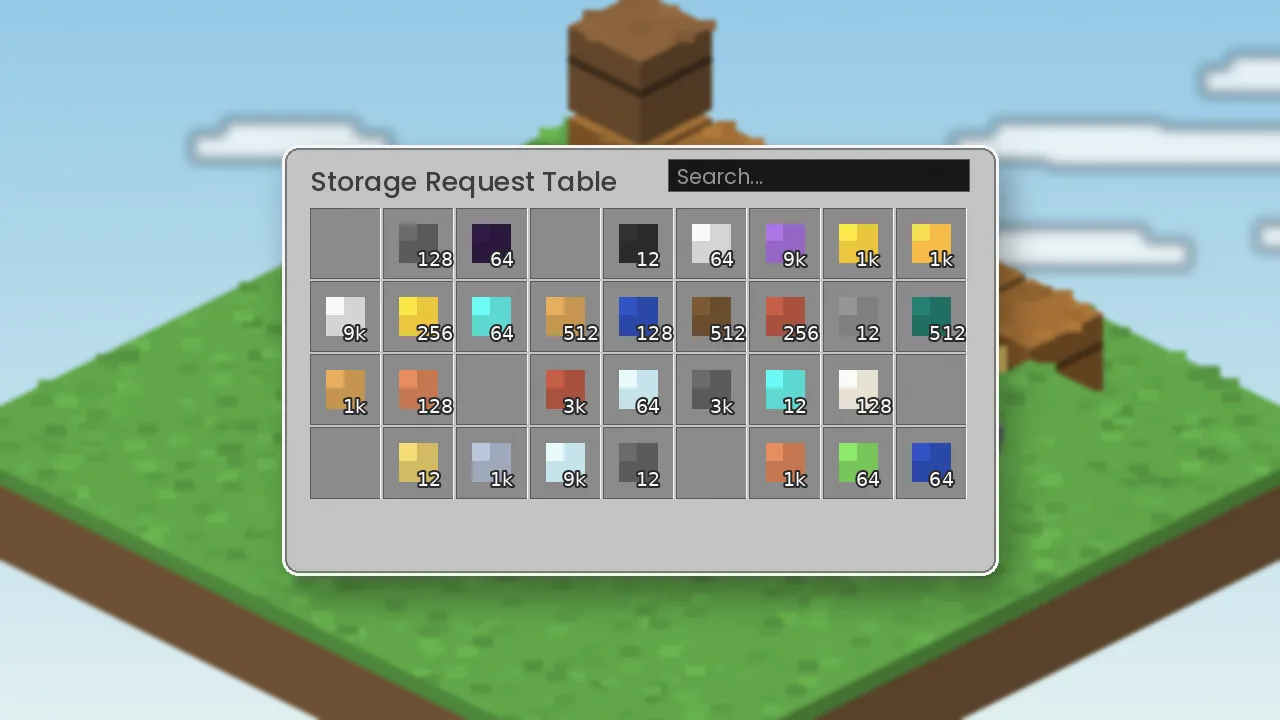
Type part of a name and see matching items from the whole network instantly. No more opening boxes one by one.
Simple Storage Mod connects your chests into one network you can search, sort and craft from. Get the official Simple Storage Network download for Forge and NeoForge, plus clear install steps and fixes that actually work.
Nothing matches. In the real mod you would see an empty grid too.
The short version: all your chests, one searchable screen.
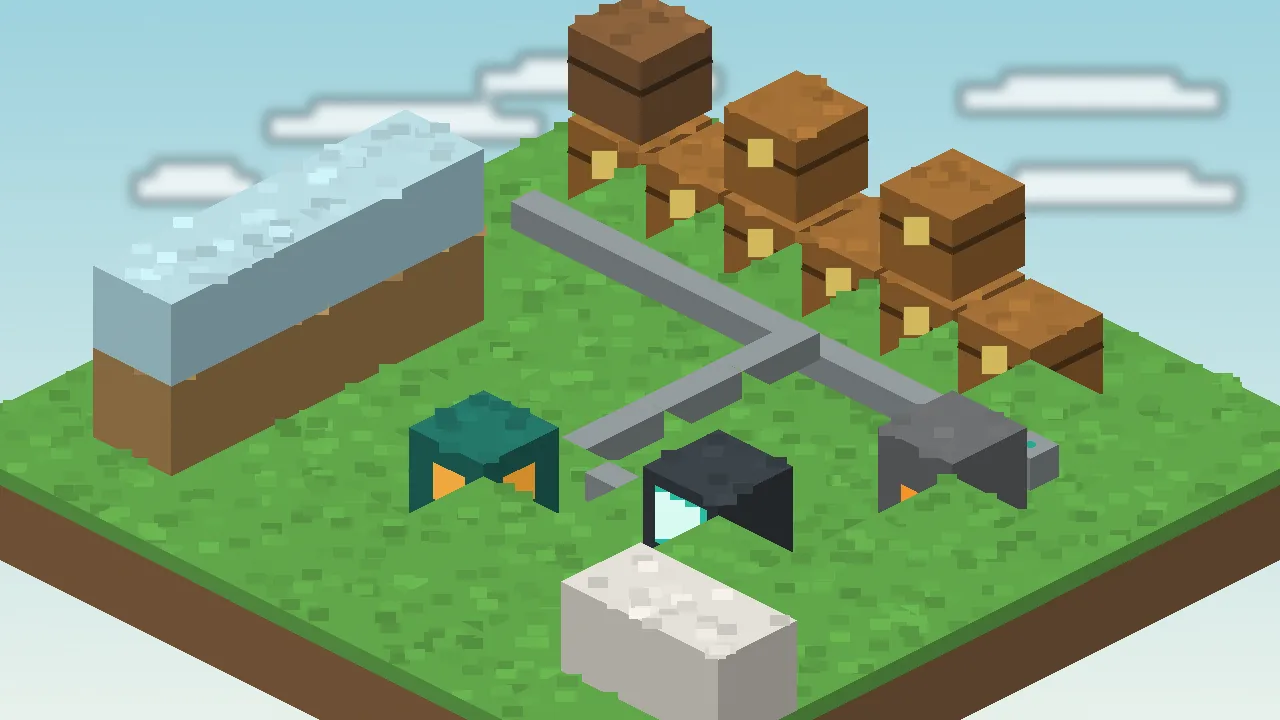
Simple Storage Mod is the name most players use for Simple Storage Network, a Minecraft Java mod that links chests, barrels and other inventories into a single network. Instead of opening box after box, you open one Storage Request Table and search everything at once.
The original Storage Network was built by MrRiegel and others for Minecraft 1.10. Lothrazar picked it up with permission, simplified it and has ported it to every major version since, from the 1.12.2 classic up to current NeoForge releases. On CurseForge it has passed 70 million downloads.
The mod does one job well: make item storage findable. It adds no power system, no crafting chains and no complicated setup. Place a root, run cable, link your chests and you are done.
It suits survival players who have outgrown labelled chest walls, server admins who want a light storage option, and modpack makers who need a network that will not overwhelm new players. If you need autocrafting at huge scale, a heavier mod may fit better; see our alternatives.
Big storage mods are powerful but demanding. Simple Storage Network exists for players who want the convenience of a searchable network without learning a whole tech tree first.
"It's the storage mod I install in almost every pack. New players understand it in five minutes, and it never gets in the way of the rest of the game."
Simple Storage Mod editorial team, after testing it across 12 modpacks
Nine reasons players keep Simple Storage Network in their mods folder.
Type part of a name and see matching items from the whole network instantly. No more opening boxes one by one.
Run storage cables from a single root. Link cables attach any chest, barrel or modded inventory in seconds.
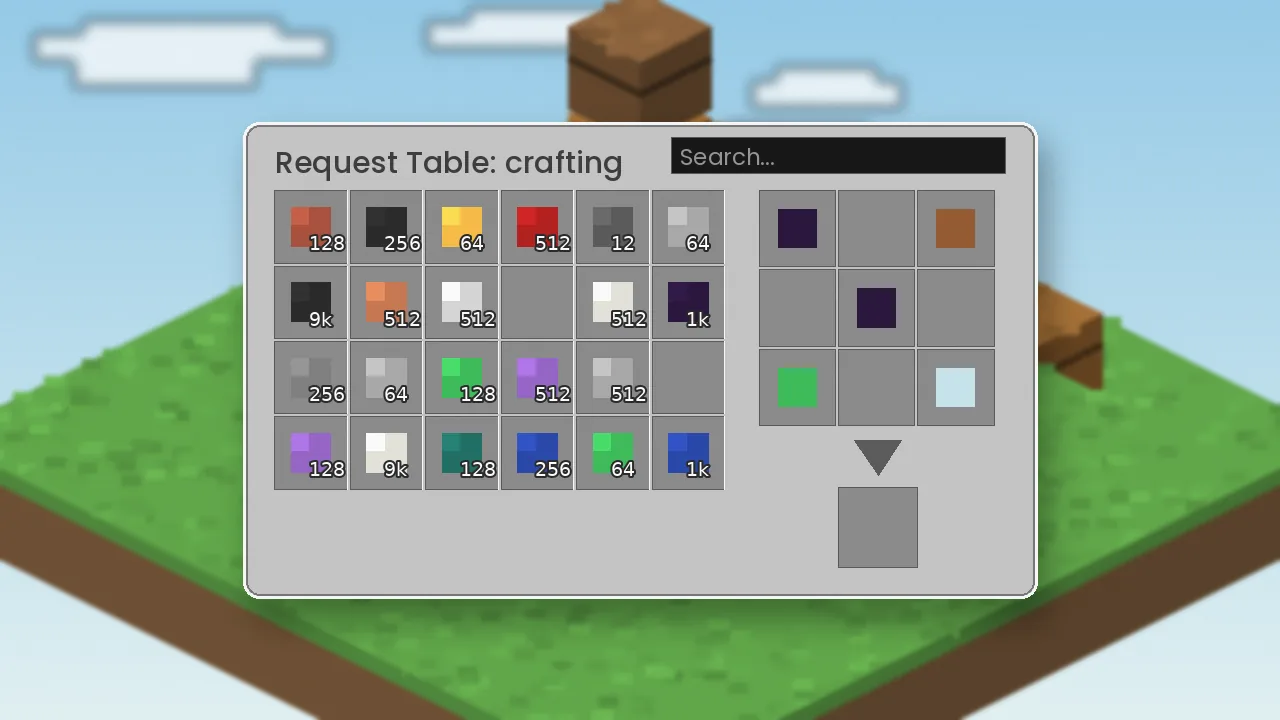
Craft straight from network storage in the request table. Ingredients are pulled for you and results go back in.
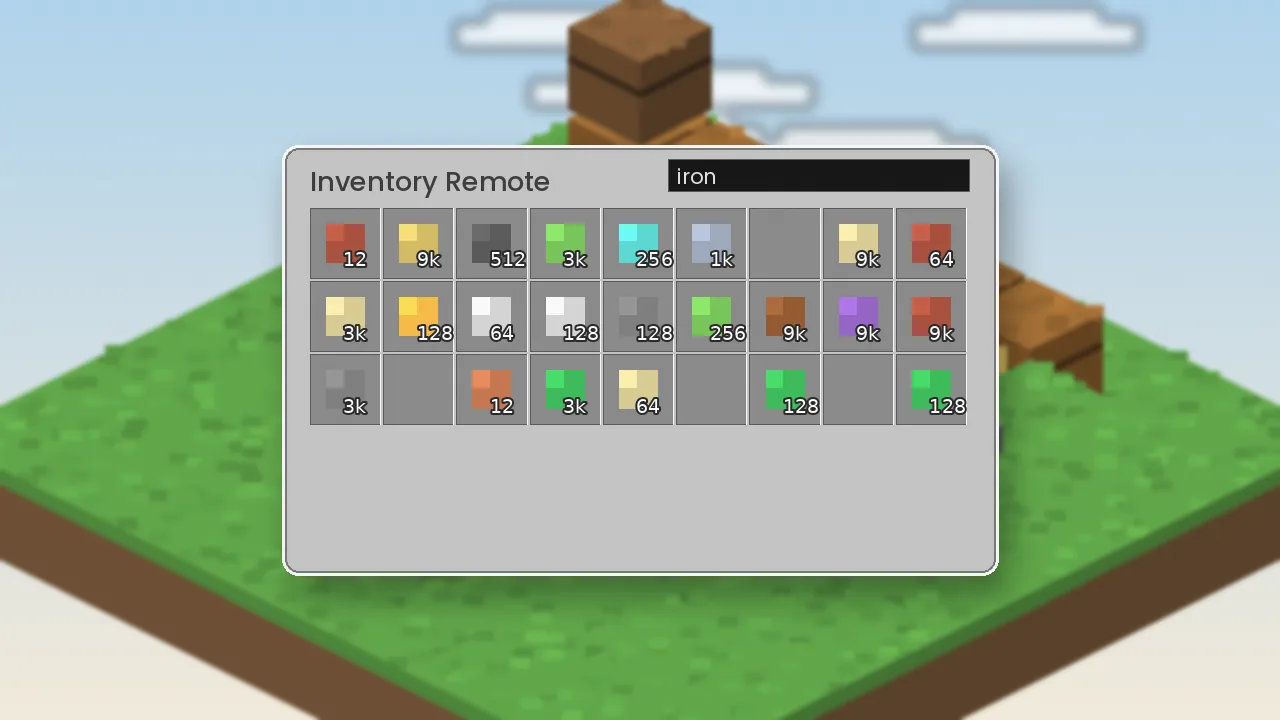
Linked remotes open your network from across the map, and even from another dimension.
Pull items out of farms and push ingredients into machines with whitelist or blacklist filters.
Decide which chests fill first so ores, blocks and loot always land in the right place.
The network runs without energy, generators or channels. Build it on day one of survival.
Move recipes from JEI or EMI into the crafting grid and look up items without leaving the screen.
A small jar and simple logic keep tick times low, even on busy multiplayer servers.
The mod itself is tiny. What matters is Minecraft, your loader and the rest of your modpack.
Every button points to an official source. We never host or repackage mod files.
certutil -hashfile simplestoragenetwork.jar SHA256Choose the build that matches your Minecraft version and loader.
Download from GitHub Mirror: CurseForge Tom's Simple Storage (Fabric)Pick your platform. Every path ends with the same jar in the same mods folder.
saves folder before adding any storage mod to an existing world.saves folder before adding any storage mod to an existing world.saves folder before adding any storage mod to an existing world.From your first chest link to a fully automated storage room.
| Shift + click | Move a whole stack into or out of the network |
| Type in grid | Search box takes focus in most versions; type part of a name |
| Right-click | Take half a stack from the grid |
| Esc / E | Close the request table |
| R / U | Recipe and usage lookup with JEI or EMI installed |
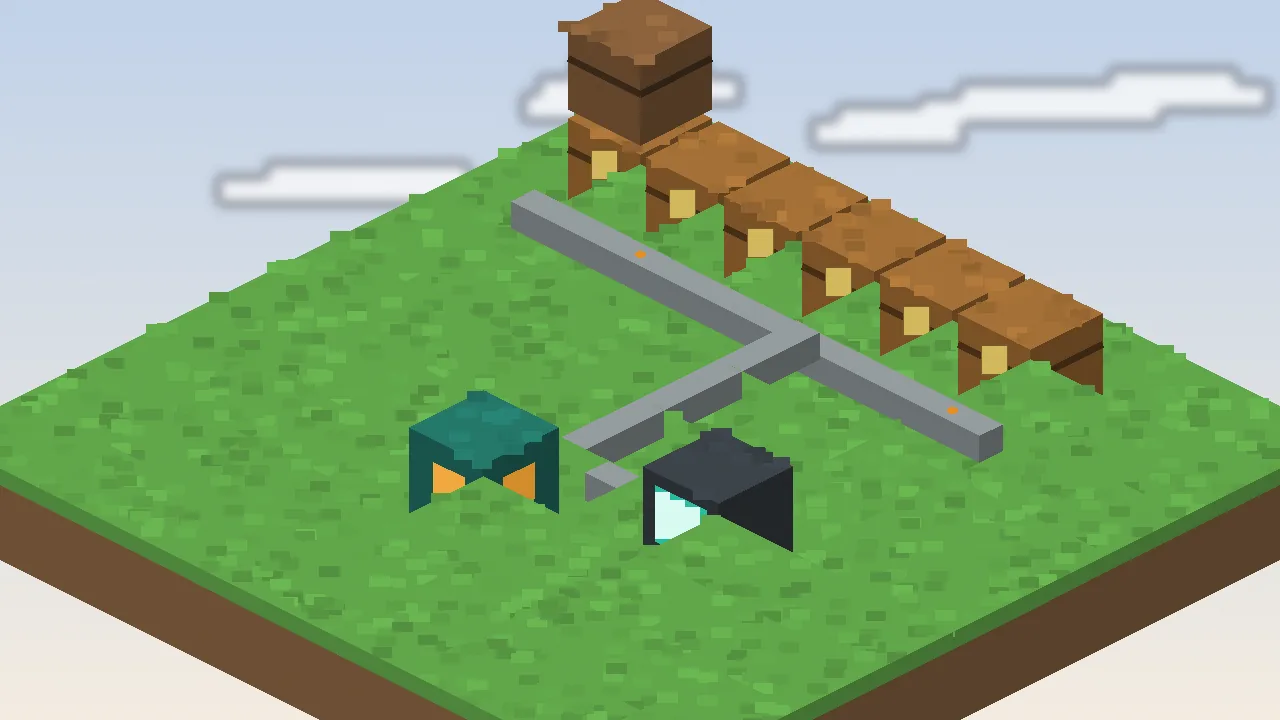
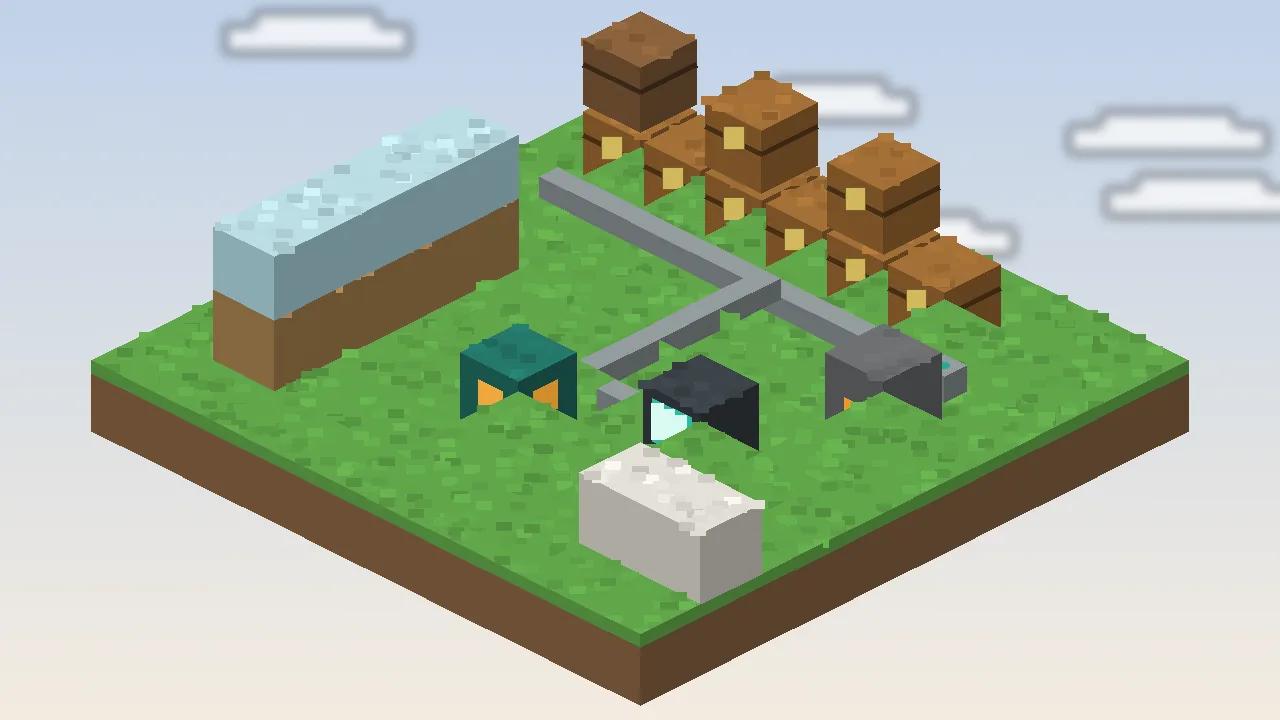
Five steps, in order. The cable line below is literally how your network is built.
The network root is the anchor. Everything must connect back to it.
Storage cables carry the connection through walls and floors.
Link cables read chests, barrels and modded containers.
The request table lists every linked item in one searchable grid.
Import and export cables move items in and out on their own.
Where Simple Storage Network runs, and where it does not.
| Category | Platform | Status | Notes |
|---|---|---|---|
| Operating systems | Windows 10 / 11 | Supported | Official launcher or Prism |
| Operating systems | macOS 12+ (Intel & Apple silicon) | Supported | Native ARM Java on Apple silicon |
| Operating systems | Linux (Ubuntu, Fedora, Arch, SteamOS) | Supported | Works on Steam Deck desktop mode |
| Operating systems | Android / iOS | Partial | Only via third-party Java launchers |
| Browsers | Chrome, Edge, Firefox, Safari | Supported | For downloading the jar only |
| Devices | Desktop PC, laptop, Steam Deck | Supported | Consoles run Bedrock and cannot load mods |
| Framework | Forge / NeoForge | Supported | NeoForge for newest versions |
| Framework | Fabric / Quilt | Not supported | Use Tom's Simple Storage instead |
| Integration | JEI / EMI | Supported | Recipe transfer into the crafting grid |
| Integration | Curios, modded chests | Supported | Varies by version; check release notes |
An honest look after months of use in survival and on servers.
Different players, same problem: too many chests.
Survival players end the chest-hunt. Every ingot, block and drop is one search away, so you spend time building rather than digging through boxes.
Learning Java modding? The mod's open source code is a readable example of networks, inventories and GUIs in Minecraft.
Modpack makers use it as a gentle storage option that fits any tech tier.
Server owners and hosts offer it as a light, low-support default for communities.
Educators and researchers running Minecraft classrooms get tidy shared storage without complex tech trees.
YouTubers and streamers get a clean, readable storage room that looks good on camera and explains itself to viewers in seconds.
Click any image to view it larger.
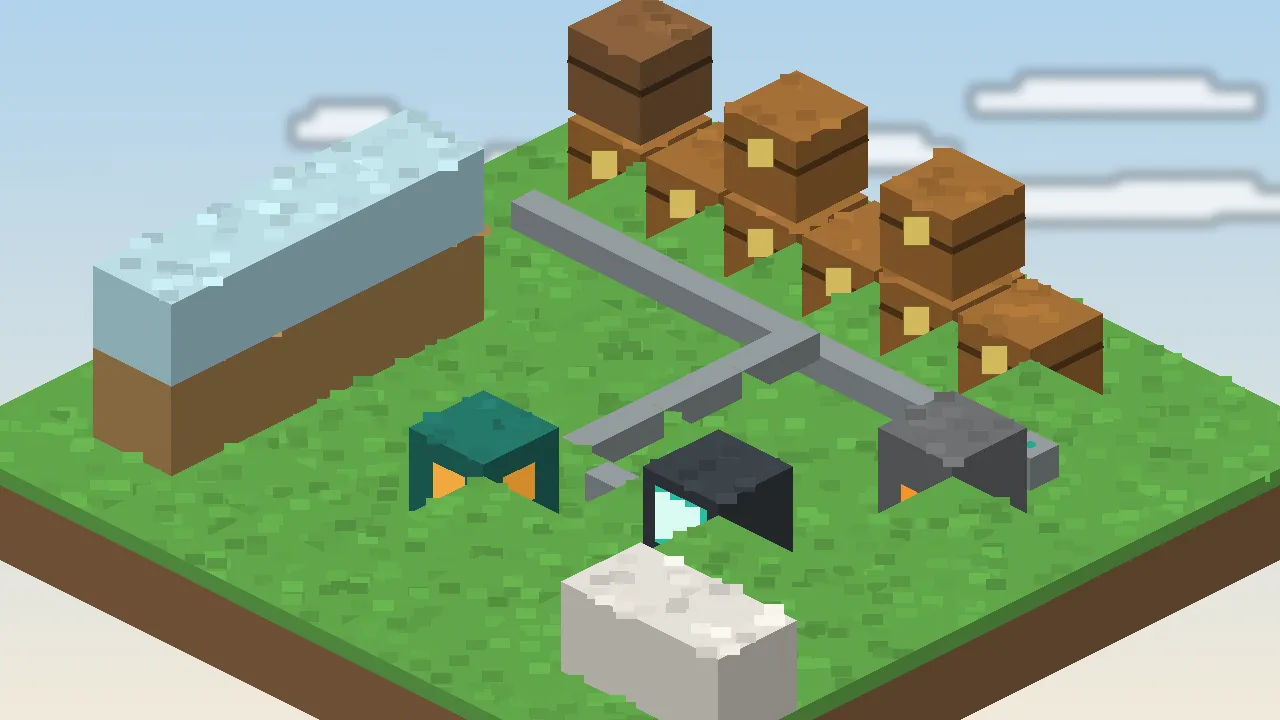
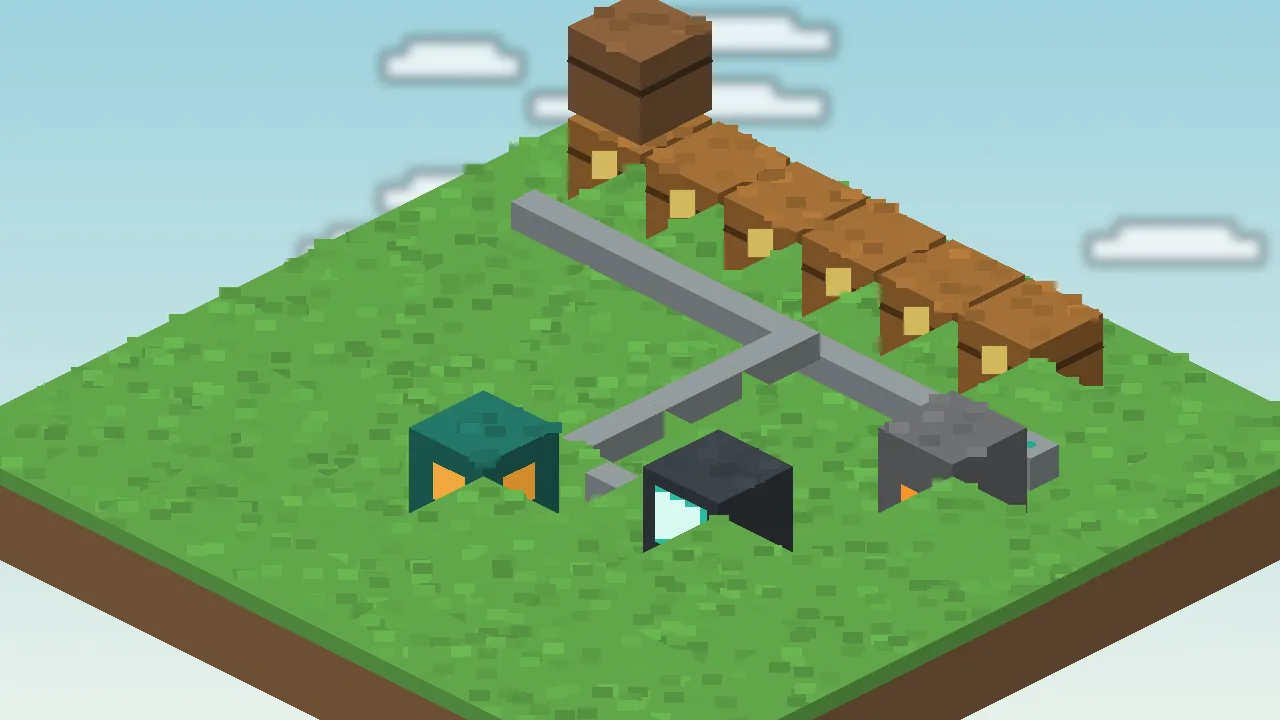
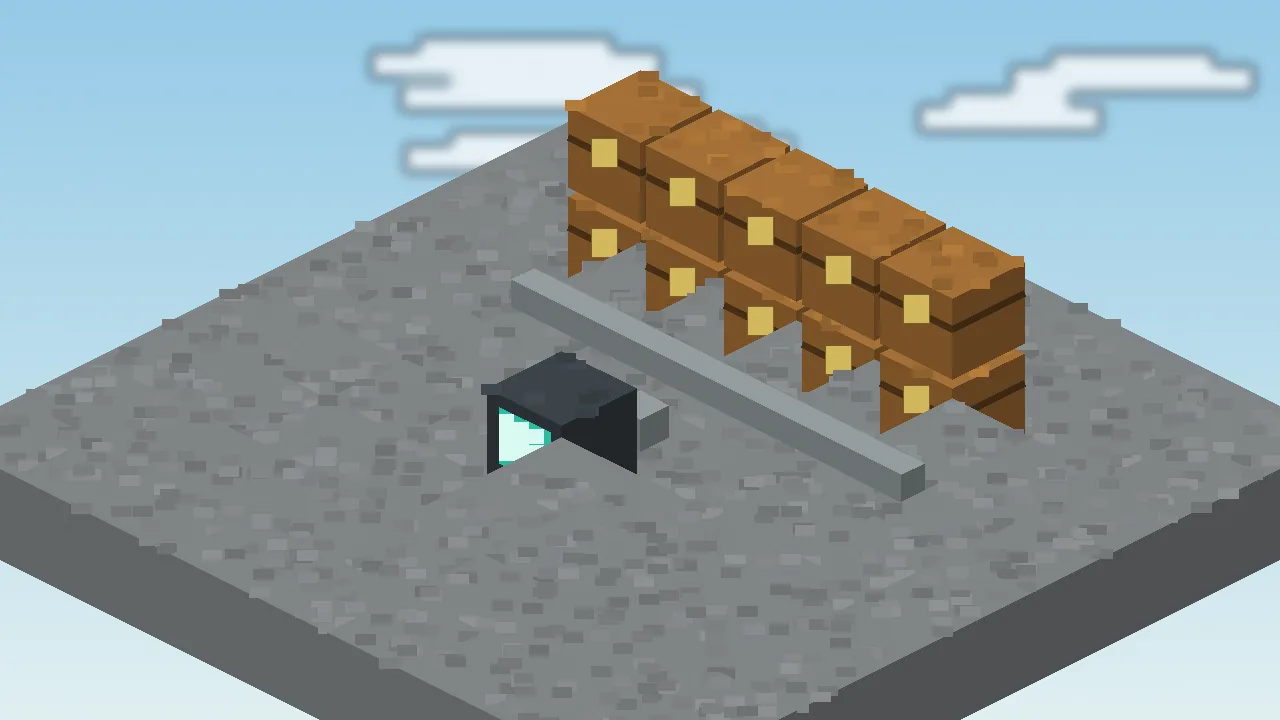
Most problems come down to versions, cables or filters. Here is where to look.
| Common error | Likely cause | Fix |
|---|---|---|
| Game crashes on launch | Loader or Minecraft version mismatch | Match the jar to your exact Minecraft version and update the loader. |
| Mod not in the Mods list | Jar in the wrong folder or wrong loader profile | Check you launched the Forge/NeoForge profile and the jar sits in mods. |
| Request table is empty | No cable path to the root | Trace cables back to the root and replace any broken segment. |
| Chest items not showing | Plain cable instead of a link cable | Put a link cable against each inventory you want included. |
| Items vanish or refuse to insert | Two roots or a strict filter | Remove extra roots and check link cable filters and priorities. |
| Export cable does nothing | Cable facing the wrong way or empty filter | Rotate the cable toward the target and set a filter item. |
| Lag in large bases | Many fast cables and tiny inventories | Remove unneeded speed upgrades and use larger containers. |
What the mod does on your computer, and what it does not.
Yes, when downloaded from GitHub or CurseForge. It ships as a plain .jar with no installer, and its source code is public.
The mod runs locally inside Minecraft and does not collect personal data. This website uses minimal cookies; see our privacy policy.
None beyond Minecraft itself. It never asks for system access, admin rights or accounts.
No telemetry or analytics are built into the mod.
Open source code, versioned releases and official hosting make tampering easy to spot.
Reupload sites may bundle adware or alter files. Use the official links only.
How Simple Storage Mod compares with other popular storage mods. Ratings are our editorial scores.
| Software | Price | License | OS support | Features | Rating | Pros | Cons |
|---|---|---|---|---|---|---|---|
| Simple Storage Network | Free | Free, open source | Win, Mac, Linux | Cables, remotes, import/export, crafting grid | ★ 4.8 | Easy, light, no power | No Fabric, no autocrafting |
| Tom's Simple Storage | Free | Free, open source | Win, Mac, Linux | Connector, terminals, wireless access | ★ 4.7 | Fabric support, very simple | Fewer automation options |
| Refined Storage | Free | Free, open source | Win, Mac, Linux | Disk storage, autocrafting, energy | ★ 4.6 | Powerful autocrafting | Needs power, steeper curve |
| Applied Energistics 2 | Free | Free, open source | Win, Mac, Linux | ME network, channels, autocrafting | ★ 4.6 | Deep and scalable | Complex, channel limits |
| Sophisticated Storage | Free | Free, open source | Win, Mac, Linux | Upgradable chests and barrels | ★ 4.5 | Great containers | Not a network on its own |
| Storage Drawers | Free | Free, open source | Win, Mac, Linux | Bulk drawers, controller | ★ 4.4 | Huge single-item capacity | Limited item variety per slot |
Deciding between the two "simple" mods? Read Simple Storage Network vs Tom's Simple Storage.
Reviews from players who build with Simple Storage Mod every week.
I had forty labelled chests and still lost things. Two cables and a request table later, I just type what I need. The crafting grid pulling ingredients from storage is my favourite part.
We tried heavier storage mods and new players bounced off them. This one needs no explanation and hasn't shown up in our timings reports once.
Perfect early-to-mid game storage for my pack. I'd love a Fabric version, but for Forge and NeoForge it's my default.
Installed it with my son on a Saturday morning. By lunch we had a storage room and a remote. The guide on this site made the setup painless.
Filtered export cables into furnaces work great. It's not AE2, and that's the point: fast to build, easy to debug.
Looks clean on camera and viewers understand it immediately. I use it in every let's play base now.
Quick, clear answers about downloading, installing and using Simple Storage Mod.
Use the official sources only: the Lothrazar/Storage-Network repository on GitHub or the Simple Storage Network page on CurseForge. Our download page links straight to both. Avoid reupload sites with countdown timers or download managers, because they sometimes bundle adware or swap the file. A genuine download is a single small .jar file, not an .exe installer or password-protected archive.
Builds exist for the long-running 1.12.2 line and for modern versions up to current 1.21 releases. Recent versions target NeoForge, while older ones use Forge. Always match the exact Minecraft version in the file name, since a jar for 1.20.1 will not load on 1.21.1. Check the changelog on GitHub or CurseForge for the newest supported release.
Install Forge or NeoForge for your Minecraft version, run that profile once to create the folders, then drop the Simple Storage Network jar into the mods folder inside your .minecraft directory. Launch the loader profile and confirm the mod appears in the Mods list on the title screen. Our installation guide covers Windows, macOS, Linux and mobile launchers step by step.
Simple Storage Network itself does not have a Fabric build; it targets Forge and NeoForge. Fabric players usually choose Tom's Simple Storage Mod, which has an official Fabric version with storage terminals, a crafting terminal, inventory connectors and wireless access. It delivers the same one-screen storage experience with a slightly different, connector-based layout.
No. Simple Storage Network is a Java Edition mod, and Bedrock Edition cannot load Java mods at all. Bedrock players can look at community add-ons or Marketplace content with storage features. Be careful with any site claiming to offer a Bedrock version of this exact mod, because those files are usually fake or repackaged from someone else's work.
Yes. The mod adds new blocks, items and screens, so both the server and every client need the same mod version and the same loader version. If a player joins without it, the game will refuse the connection or show missing registry errors. Share your mod list with players or distribute the server as a modpack to keep everyone in sync.
Yes, it is completely free to download and use in single-player and on servers. The source code is publicly available on GitHub. If you include it in a public modpack, check the license file in the repository and follow the platform's rules for modpack distribution. Supporting the developer through their official pages helps keep the mod updated.
Back up your world first. Then remove the old jar from your mods folder and add the new one for the same Minecraft version. Updating the mod within one Minecraft version is usually safe. Jumping to a new Minecraft version is a bigger change, so test on a copy of your world before moving your main save or server.
An empty table almost always means it has no cable path back to the network root, or your chests use plain cables instead of link cables. Trace the cable from the table to the root and replace any gap. Then make sure a link cable touches every chest you want included. If items still do not appear, check for a second root on the same line.
The root is the anchor of the whole network. Every cable, link cable, request table and remote must connect back to a single root to work. Place it somewhere central and protected, because breaking it takes the whole network offline until it is replaced. Use one root per network, since two roots on the same cable line cause unpredictable behaviour.
An import cable pulls items out of the block it faces and pushes them into the network, which is ideal for farm collectors and machine outputs. An export cable does the opposite, taking items from the network and placing them into the block it faces, such as fuel or ore into a furnace. Both accept filters to control exactly which items move.
Yes. Craft an inventory remote or a crafting remote and link it to your network. You can then open your storage from anywhere, including other dimensions in supported versions. Some versions also let you wear the remote in a Curios slot if that mod is installed. It is one of the most useful upgrades once your base grows.
The mod is lightweight, and ordinary networks have no noticeable impact. Lag can appear in very large bases with hundreds of fast cables, many tiny inventories or import and export loops. Remove speed upgrades that are not needed, prefer fewer and larger containers, and split distant outposts into their own networks to keep tick times low on busy servers.
Refined Storage and Applied Energistics 2 are larger systems with power requirements, disk storage and large-scale autocrafting. Simple Storage Network skips all of that and focuses on connecting the chests you already have. It is faster to learn and easier to run, but if your pack is built around autocrafting chains, one of the bigger mods may fit better.
Generally yes, because the mod only adds new blocks and does not change your existing terrain or chests. Still, always back up your saves folder before adding any mod to a world you care about. Removing the mod later is riskier: any network blocks disappear, although items stored in vanilla chests remain inside those chests.
Tom's Simple Storage Mod is a separate mod by tom5454 with a similar goal. It uses an inventory connector and storage or crafting terminals instead of a root and cables, and it supports Forge, NeoForge and Fabric. Many players search for both under the name Simple Storage Mod. We cover both, with Simple Storage Network as the main focus.
Practical articles on downloading, building and fixing your storage network.
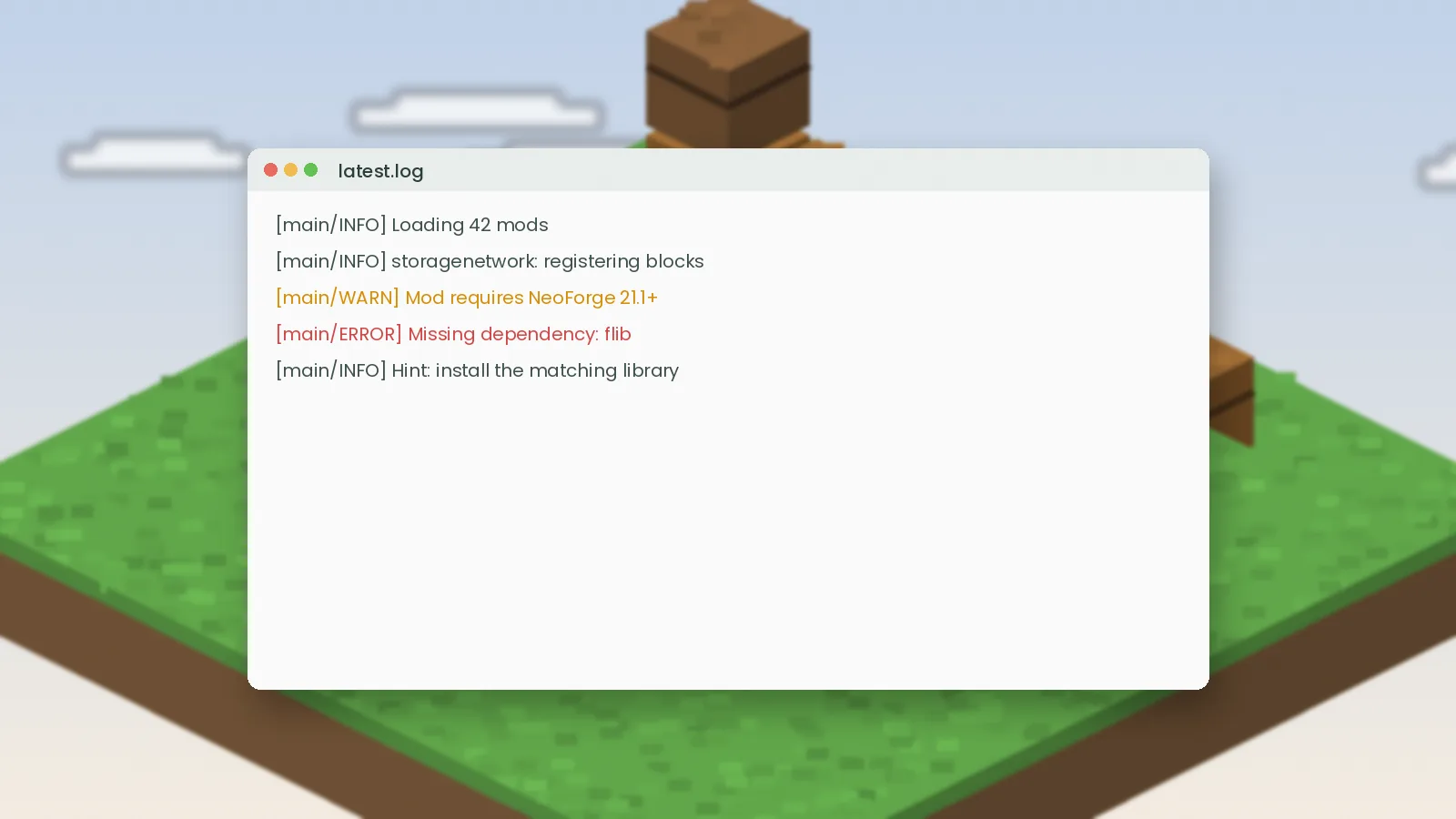
Items missing, crashes on launch or a request table that shows nothing? Practical fixes for the most common Simple Storage Network problems.
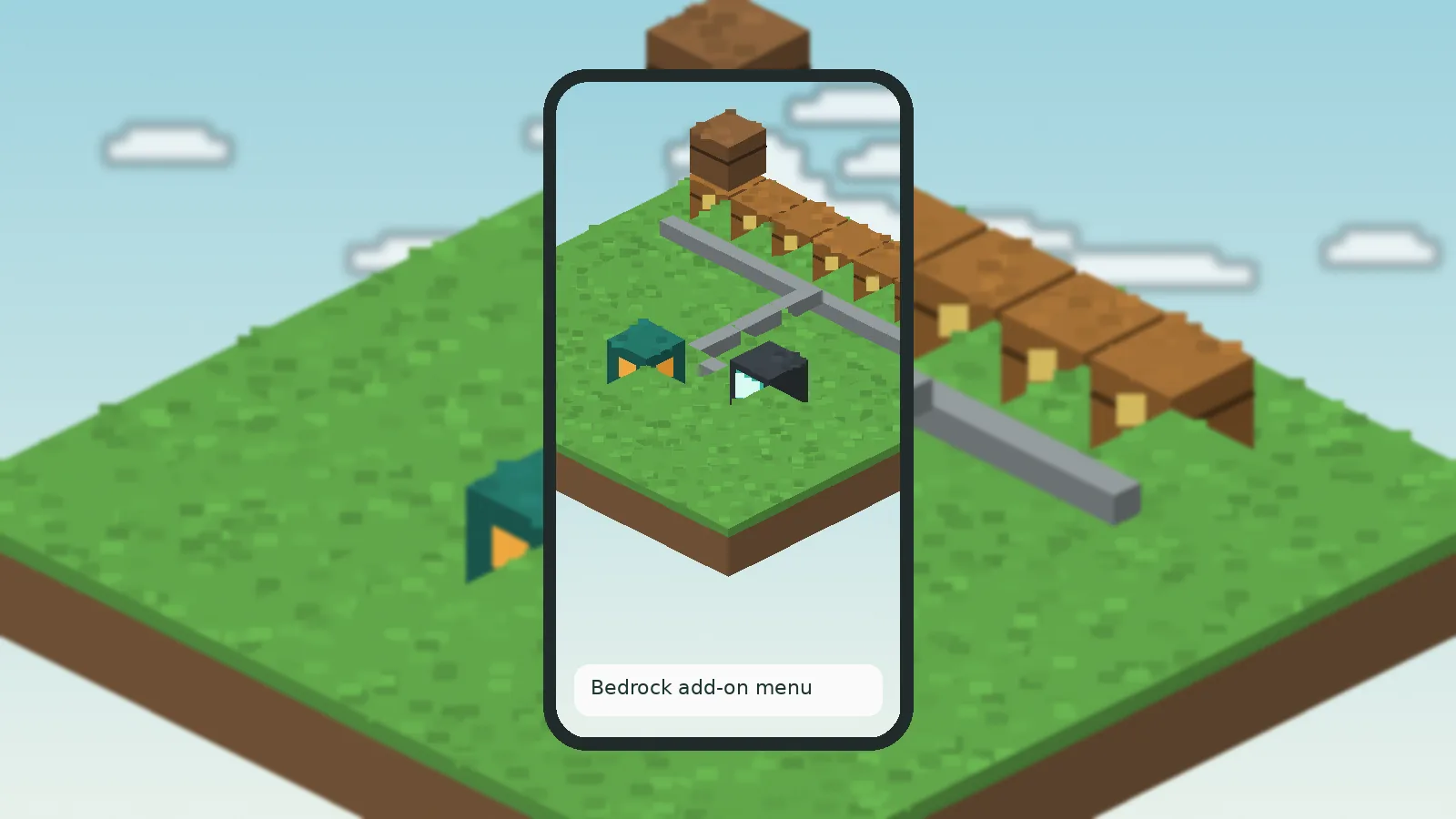
Simple Storage Mod for Minecraft Bedrock explained: why Java mods don't run on Bedrock, what add-ons exist and how to stay safe installing them.
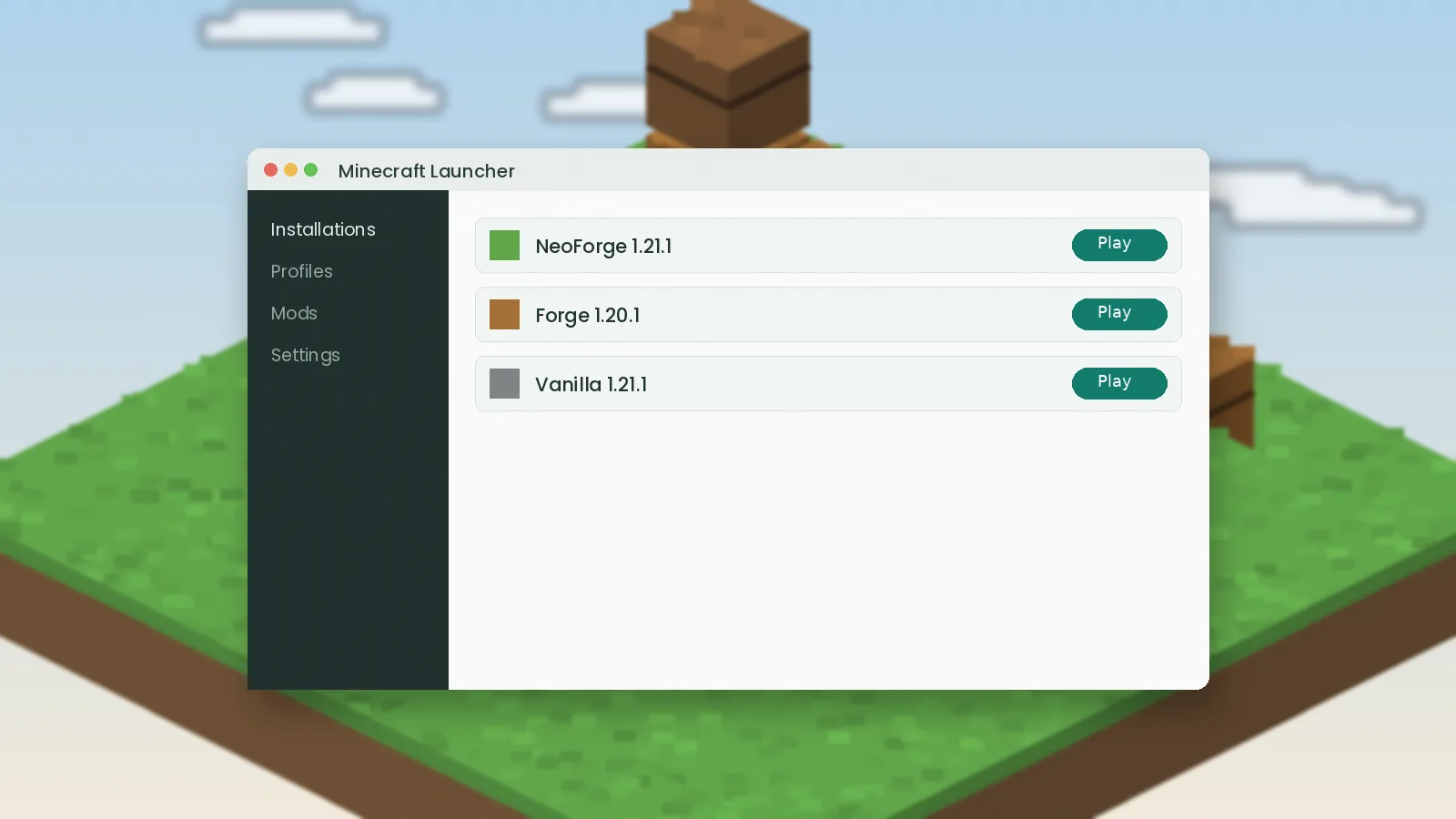
Is there a Simple Storage Mod for Fabric? See which storage mods run on Fabric, how to install them and what to expect from each.
Questions about the site, a broken link or a guide request? We read every message.
Download Simple Storage Mod from the official source and have a working network in ten minutes.