
Search every chest at once
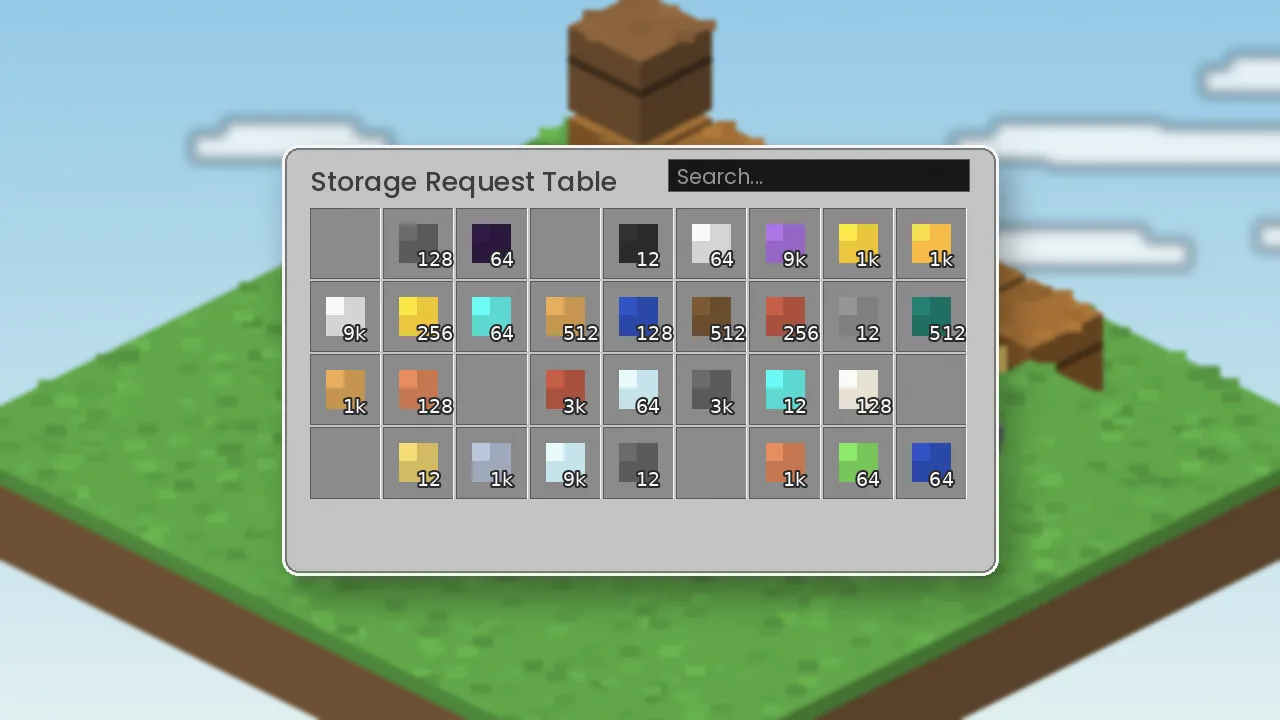
Type part of a name and see matching items from the whole network instantly. No more opening boxes one by one.
Everything Simple Storage Network adds to Minecraft, from searchable storage and crafting to remotes and filtered automation.
Nine reasons players keep Simple Storage Network in their mods folder.
Type part of a name and see matching items from the whole network instantly. No more opening boxes one by one.
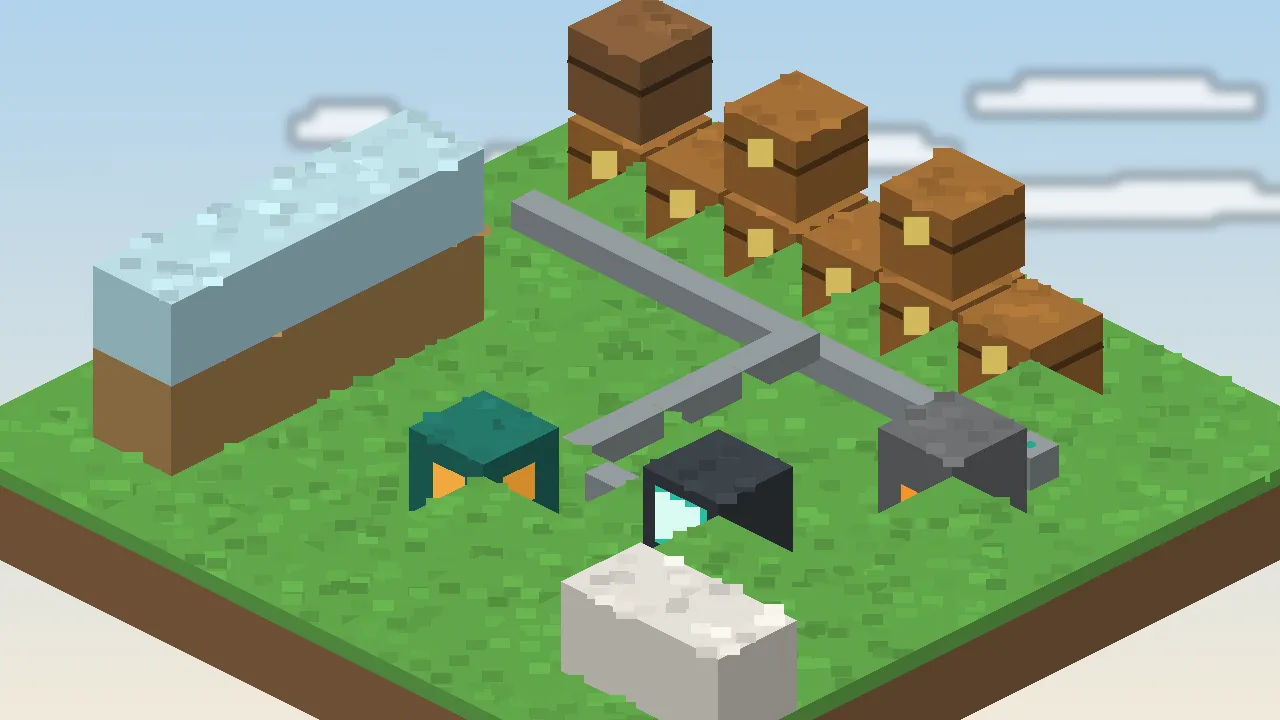
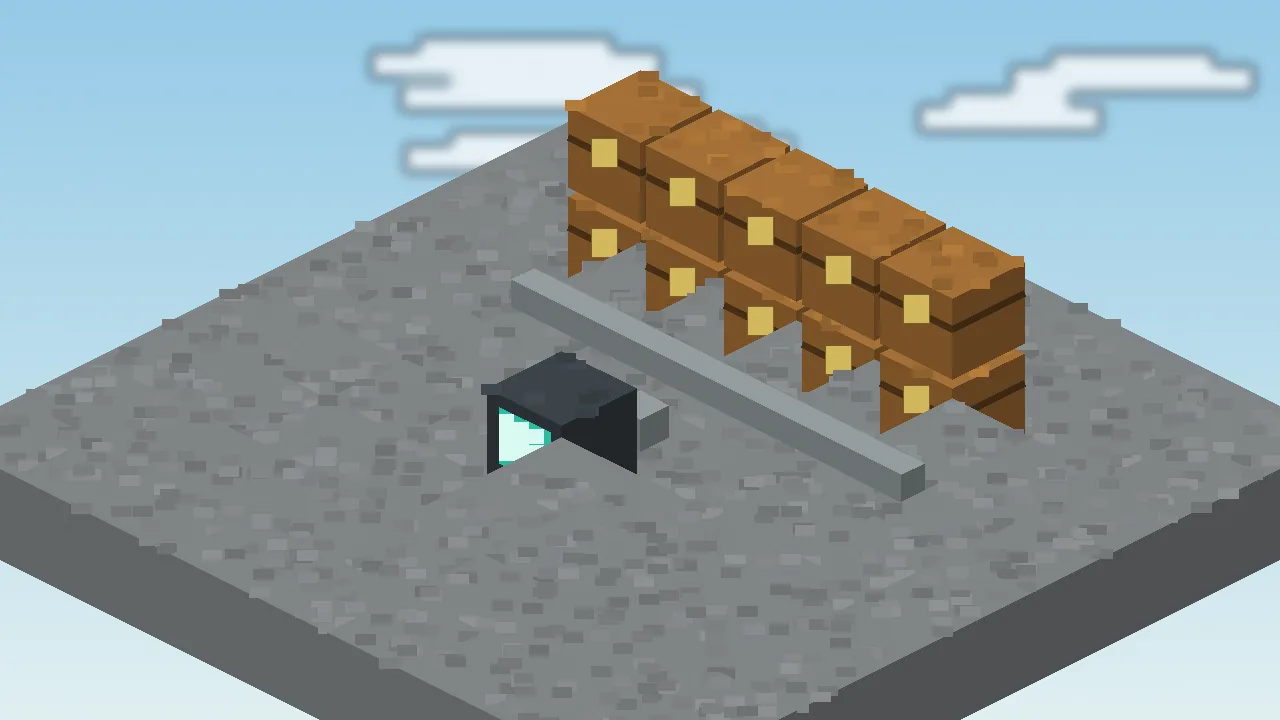
Run storage cables from a single root. Link cables attach any chest, barrel or modded inventory in seconds.
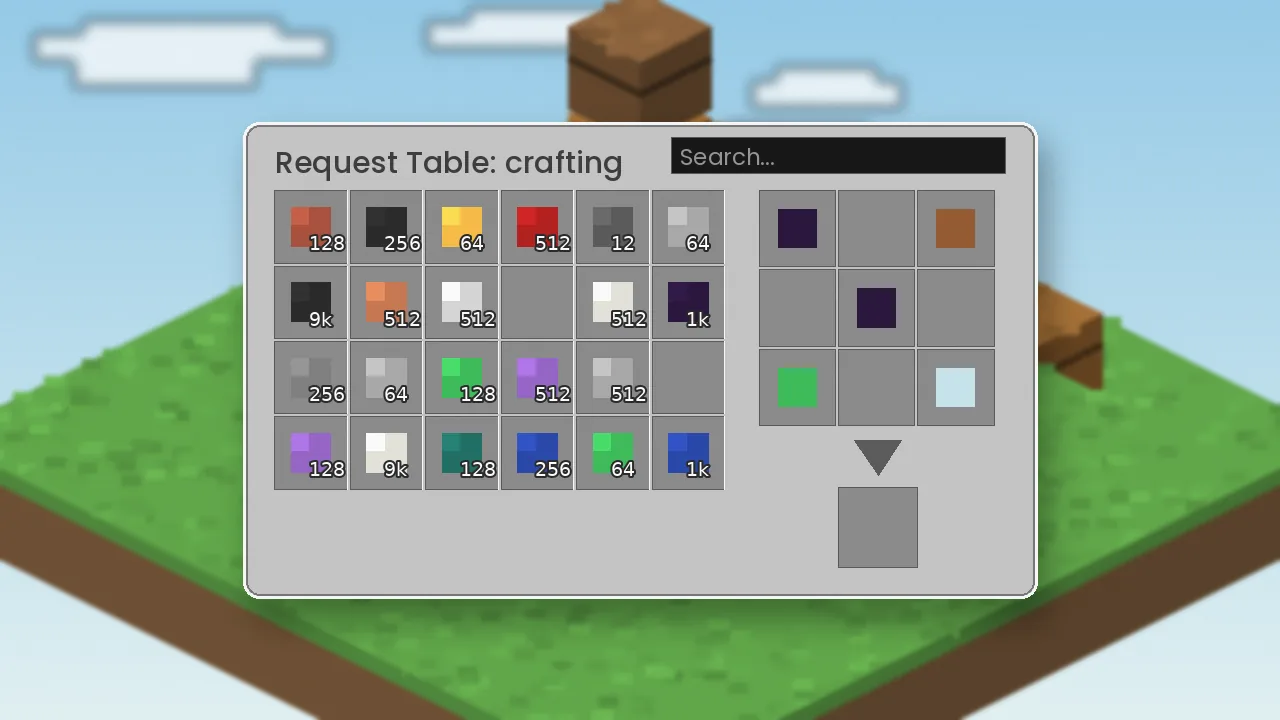
Craft straight from network storage in the request table. Ingredients are pulled for you and results go back in.
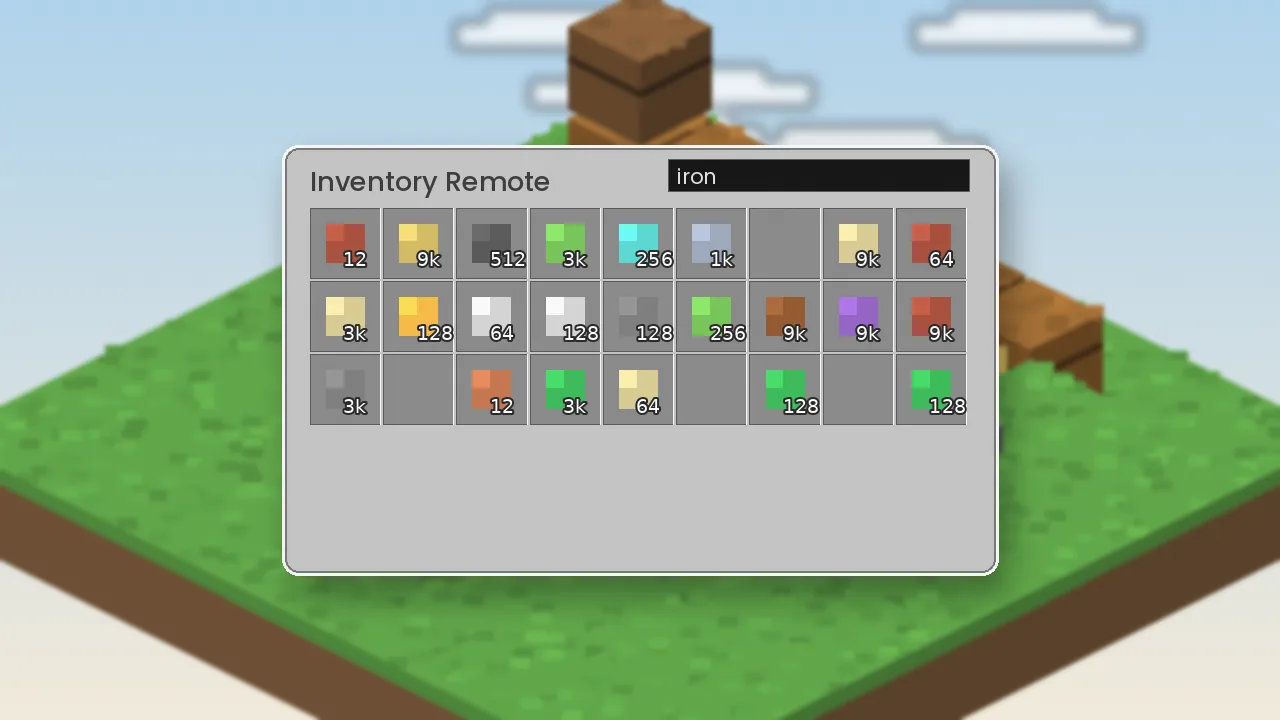
Linked remotes open your network from across the map, and even from another dimension.
Pull items out of farms and push ingredients into machines with whitelist or blacklist filters.
Decide which chests fill first so ores, blocks and loot always land in the right place.
The network runs without energy, generators or channels. Build it on day one of survival.
Move recipes from JEI or EMI into the crafting grid and look up items without leaving the screen.
A small jar and simple logic keep tick times low, even on busy multiplayer servers.
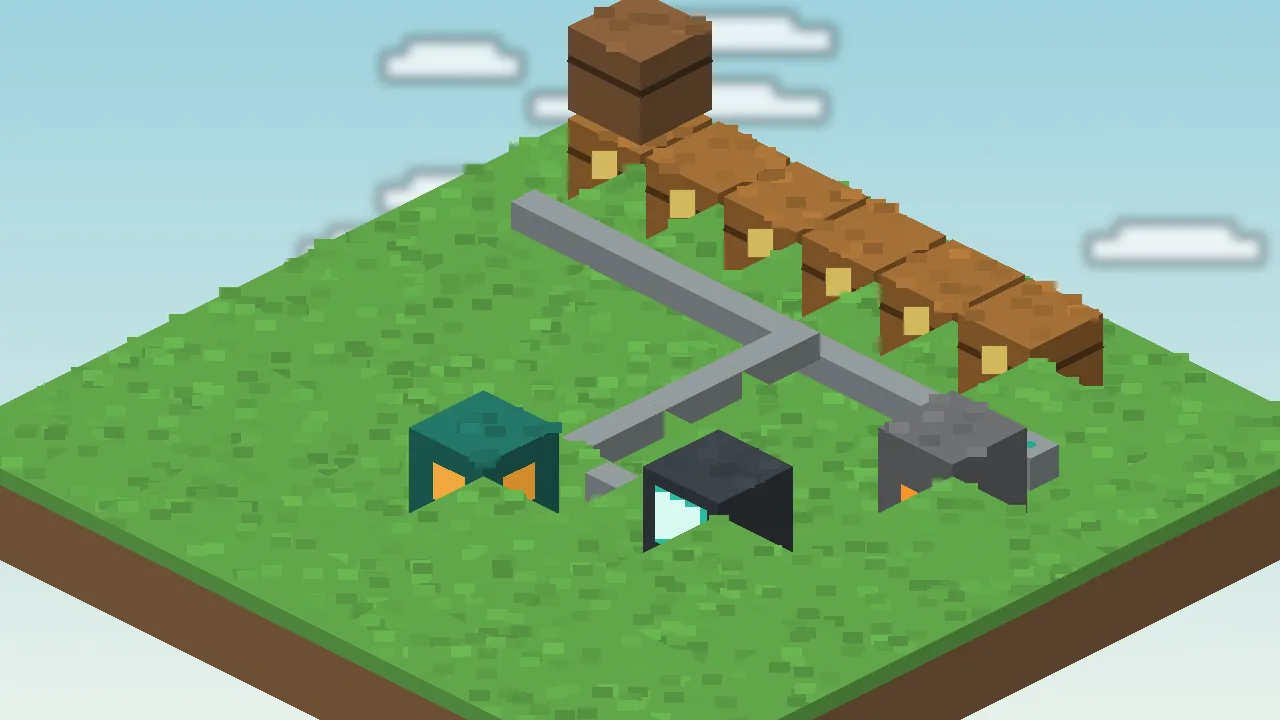
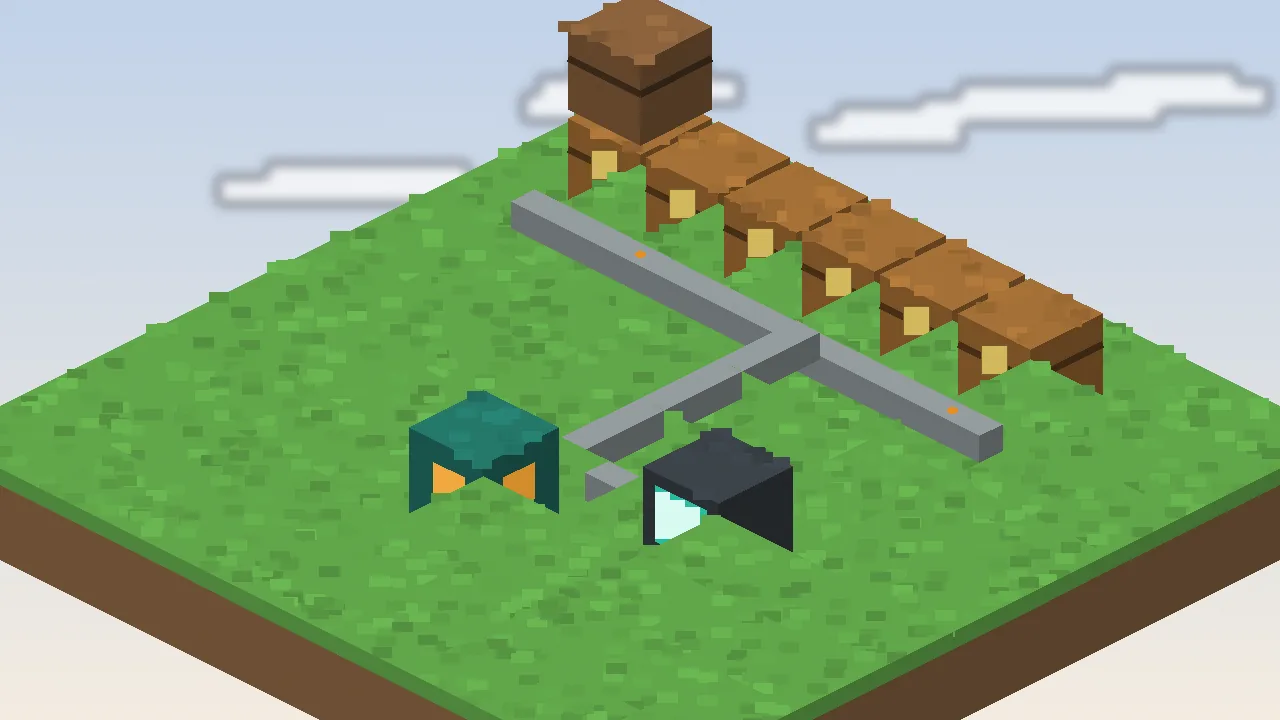
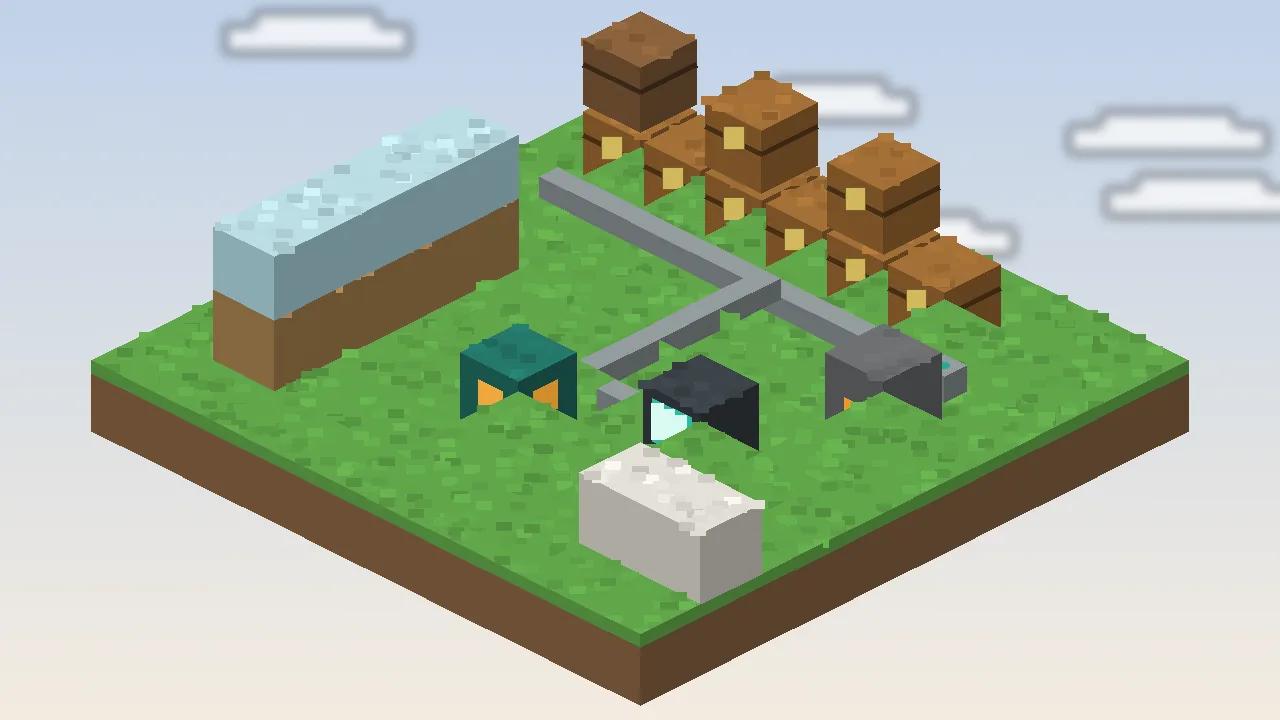
Five steps, in order. The cable line below is literally how your network is built.
The network root is the anchor. Everything must connect back to it.
Storage cables carry the connection through walls and floors.
Link cables read chests, barrels and modded containers.
The request table lists every linked item in one searchable grid.
Import and export cables move items in and out on their own.
The parts you will craft most often. Exact names can vary slightly between versions.
| Block or item | What it does | When to use it |
|---|---|---|
| Network root | Anchors the network | Once per network, first thing you place |
| Storage cable | Carries the network connection | Between root, tables and inventories |
| Link cable | Adds an inventory to the network | Touching every chest or barrel |
| Import cable | Pulls items into the network | Farm collectors, machine outputs |
| Export cable | Pushes items out of the network | Furnace inputs, fuel, stock chests |
| Storage Request Table | Search, sort and craft from storage | Your main storage room |
| Remotes | Open the network from anywhere | Mining trips, other dimensions |
| Upgrades | Change cable speed and stack size | High-throughput automation only |
An honest look after months of use in survival and on servers.
Different players, same problem: too many chests.
Survival players end the chest-hunt. Every ingot, block and drop is one search away, so you spend time building rather than digging through boxes.
Learning Java modding? The mod's open source code is a readable example of networks, inventories and GUIs in Minecraft.
Modpack makers use it as a gentle storage option that fits any tech tier.
Server owners and hosts offer it as a light, low-support default for communities.
Educators and researchers running Minecraft classrooms get tidy shared storage without complex tech trees.
YouTubers and streamers get a clean, readable storage room that looks good on camera and explains itself to viewers in seconds.
Click any image to view it larger.
Download Simple Storage Mod from the official source and have a working network in ten minutes.