
The chest wall
One long wall of chests with a link cable behind each. Simple, cheap and perfect for the first weeks of survival.
Learn how the network works, how to lay out your storage room and how to automate it with import and export cables.
Five steps, in order. The cable line below is literally how your network is built.
The network root is the anchor. Everything must connect back to it.
Storage cables carry the connection through walls and floors.
Link cables read chests, barrels and modded containers.
The request table lists every linked item in one searchable grid.
Import and export cables move items in and out on their own.
From your first chest link to a fully automated storage room.
| Shift + click | Move a whole stack into or out of the network |
| Type in grid | Search box takes focus in most versions; type part of a name |
| Right-click | Take half a stack from the grid |
| Esc / E | Close the request table |
| R / U | Recipe and usage lookup with JEI or EMI installed |
Three storage room patterns that stay tidy as your world grows.
One long wall of chests with a link cable behind each. Simple, cheap and perfect for the first weeks of survival.
Separate banks for ores, blocks, farm goods and loot, each with its own link cable priority and a catch-all chest last.
A central cable spine with storage on one side and automation on the other. Faults are easy to trace and expansion is trivial.
Most problems come down to versions, cables or filters. Here is where to look.
| Common error | Likely cause | Fix |
|---|---|---|
| Game crashes on launch | Loader or Minecraft version mismatch | Match the jar to your exact Minecraft version and update the loader. |
| Mod not in the Mods list | Jar in the wrong folder or wrong loader profile | Check you launched the Forge/NeoForge profile and the jar sits in mods. |
| Request table is empty | No cable path to the root | Trace cables back to the root and replace any broken segment. |
| Chest items not showing | Plain cable instead of a link cable | Put a link cable against each inventory you want included. |
| Items vanish or refuse to insert | Two roots or a strict filter | Remove extra roots and check link cable filters and priorities. |
| Export cable does nothing | Cable facing the wrong way or empty filter | Rotate the cable toward the target and set a filter item. |
| Lag in large bases | Many fast cables and tiny inventories | Remove unneeded speed upgrades and use larger containers. |
Practical articles on downloading, building and fixing your storage network.
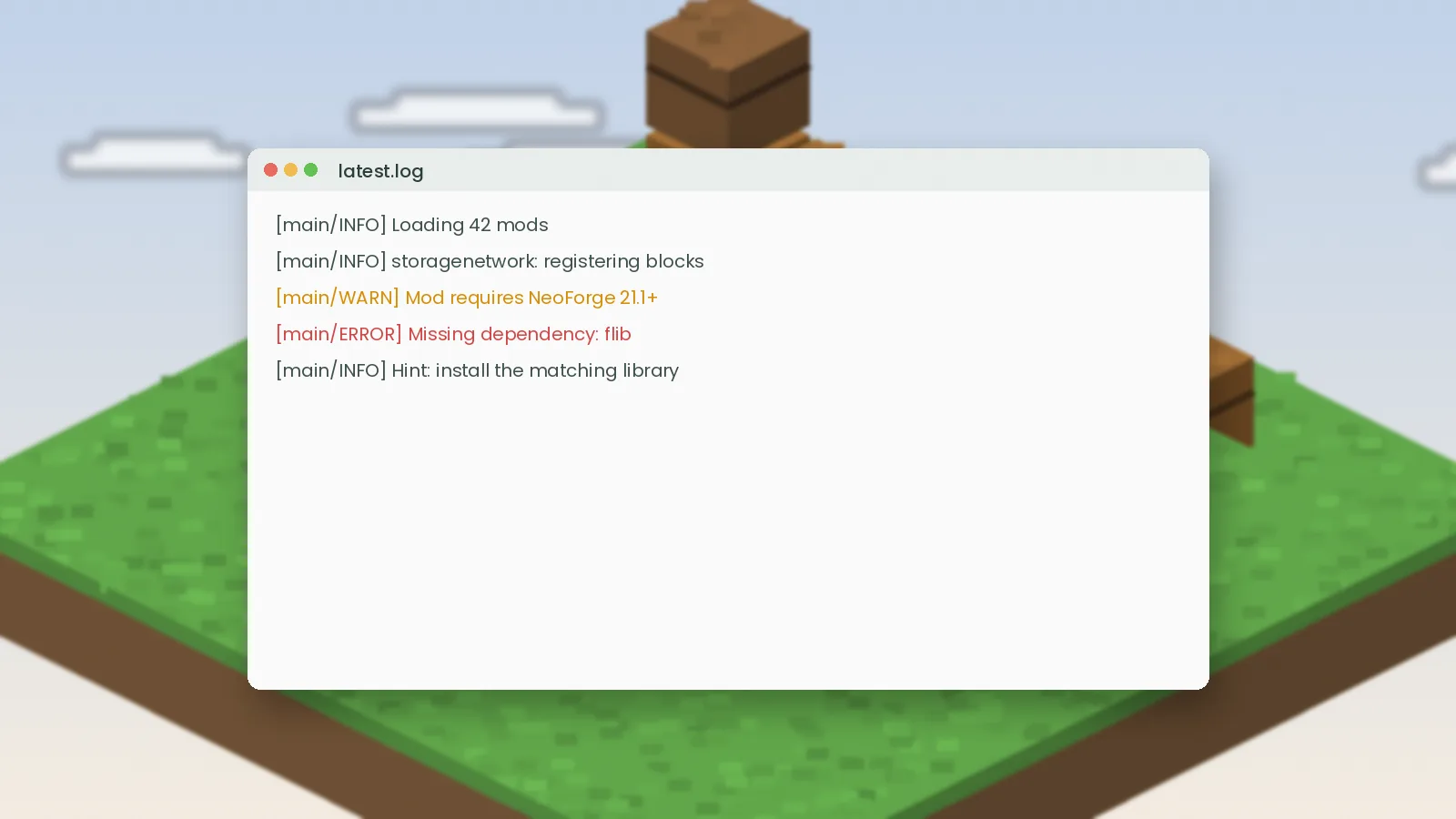
Items missing, crashes on launch or a request table that shows nothing? Practical fixes for the most common Simple Storage Network problems.
Simple Storage Mod for Minecraft Bedrock explained: why Java mods don't run on Bedrock, what add-ons exist and how to stay safe installing them.
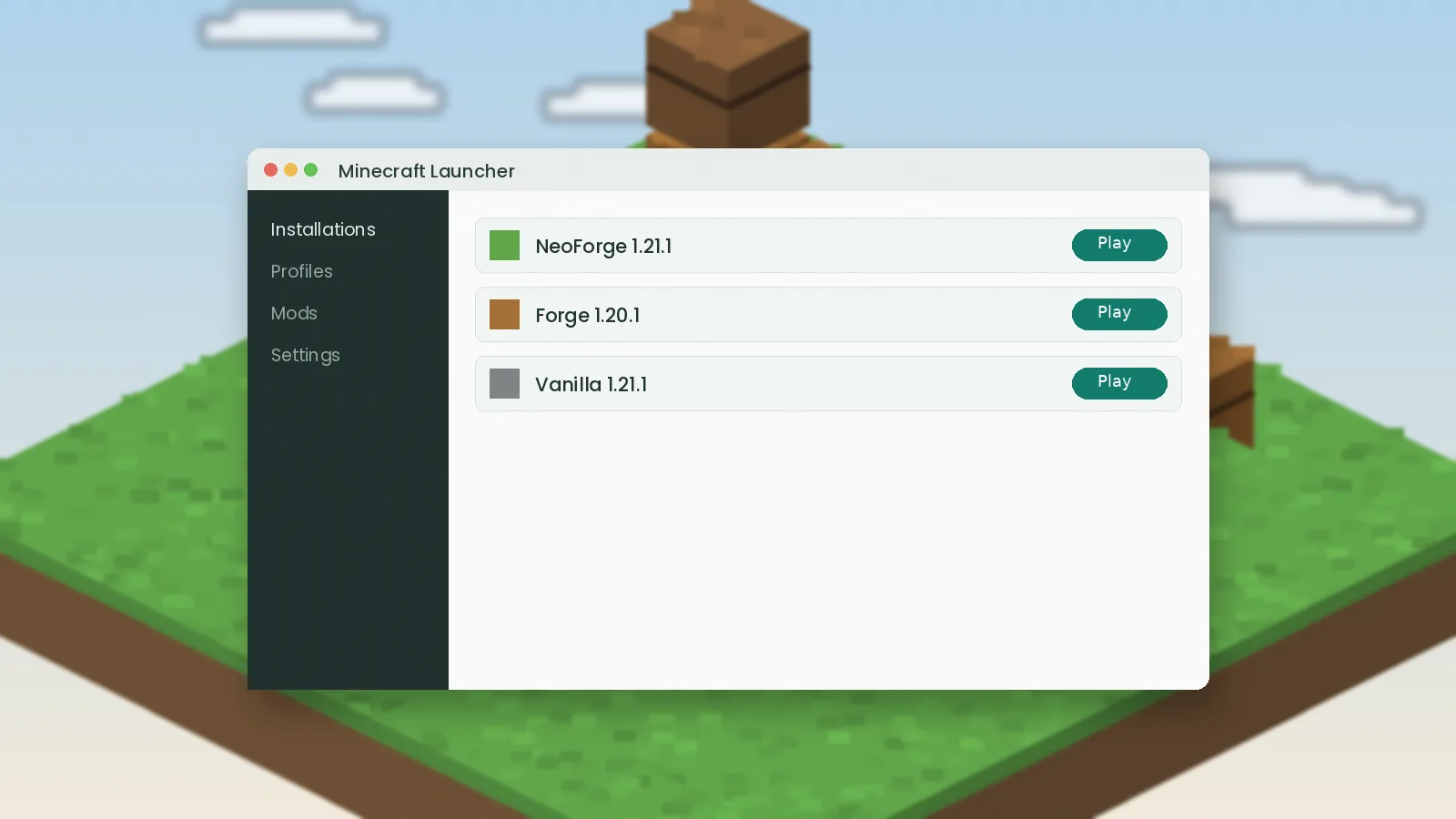
Is there a Simple Storage Mod for Fabric? See which storage mods run on Fabric, how to install them and what to expect from each.