
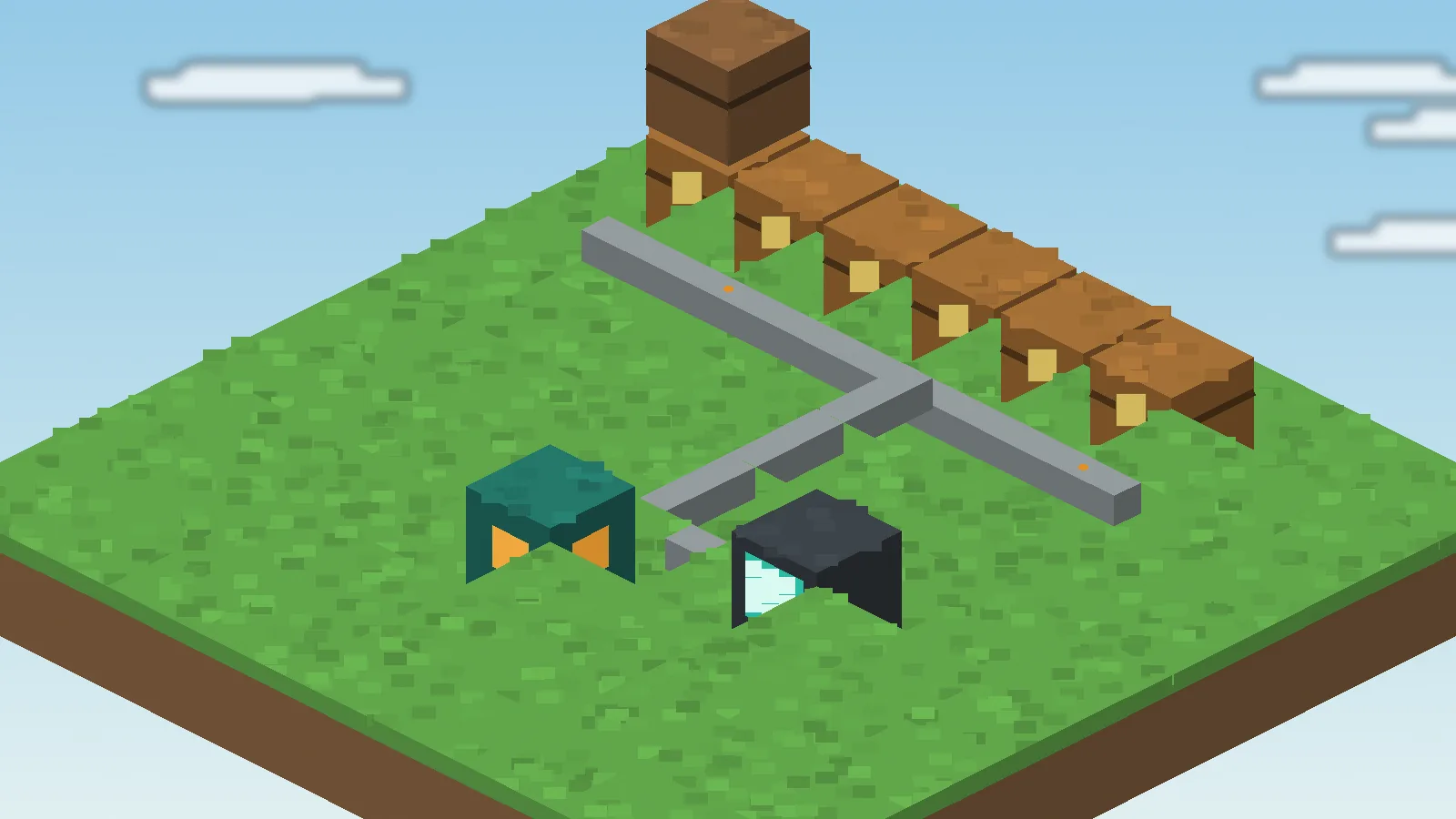
Link cables let you see your items. Import and export cables let the network move them for you. With a few filters you can pull harvests out of farms, feed furnaces automatically and keep a stock of torches topped up, all without touching a chest. Here is how each cable behaves and where it fits best.
Three cable jobs
Every automated setup combines the same three behaviours. Knowing which one you need keeps designs simple.
Link: read and store
A link cable exposes an inventory to the network so its contents appear in the request table and new items can be stored there.
Import: pull in
An import cable takes items out of the block it faces and pushes them into the network. Use it on farm collectors, mob drop chests and machine outputs.
Export: push out
An export cable takes items from the network and places them into the block it faces. Use it to feed fuel, ores or ingredients into machines.
Filters and upgrades
Open an import or export cable to set its filter. Place a sample item in a slot and the cable only moves matching items. Whitelist mode moves only listed items; blacklist mode moves everything except them.
Speed and stack upgrades
Upgrades change how often a cable acts and how much it moves per operation. Add them only where you need throughput; a slow cable on a small farm is perfectly fine.
Stock-style exporting
Some versions let an export cable keep a target amount in the destination rather than emptying the network. That is ideal for keeping a chest of torches or food by your door.
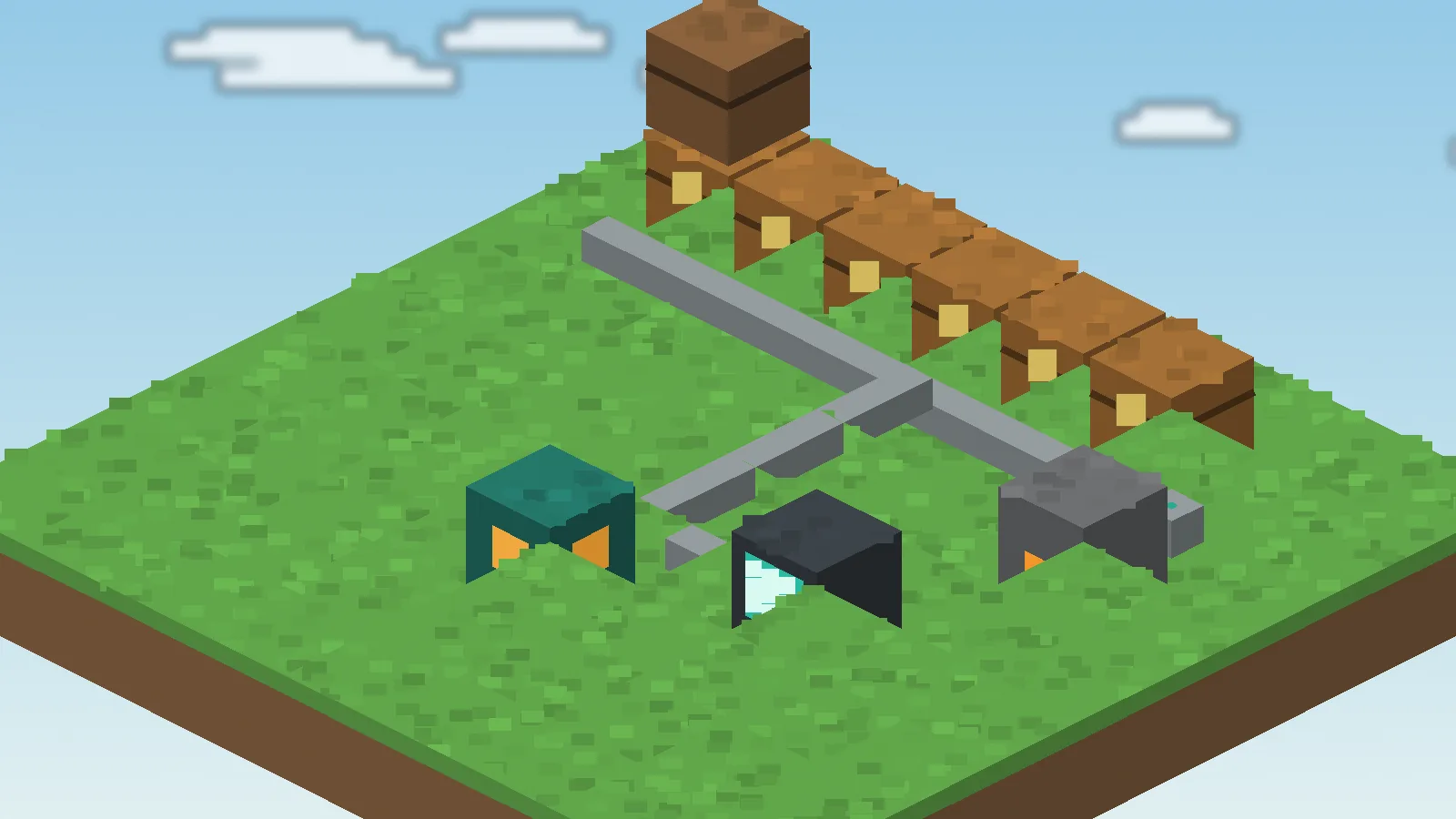
Three setups worth copying
Automatic furnace line
Export raw ore into the furnace top, export coal into the side and import from the bottom. Smelted ingots flow straight back into storage.
Farm collector
Put an import cable on the chest or hopper that collects crops. Harvests appear in the request table without a single trip to the field.
Mob drop sorter
Import everything from a mob farm's collection chest, then use link cable priorities to send bones, string and arrows to their own banks.
Common mistakes
Facing matters. A cable acts on the block it points at, so rotate it if nothing moves. Also watch for loops: importing from and exporting to the same chest makes items bounce forever and wastes performance.
Keep it readable
Label machine rooms with signs and keep automation on its own cable branch. When something breaks, you can trace it quickly. For more layouts see our usage guide and the features overview.