
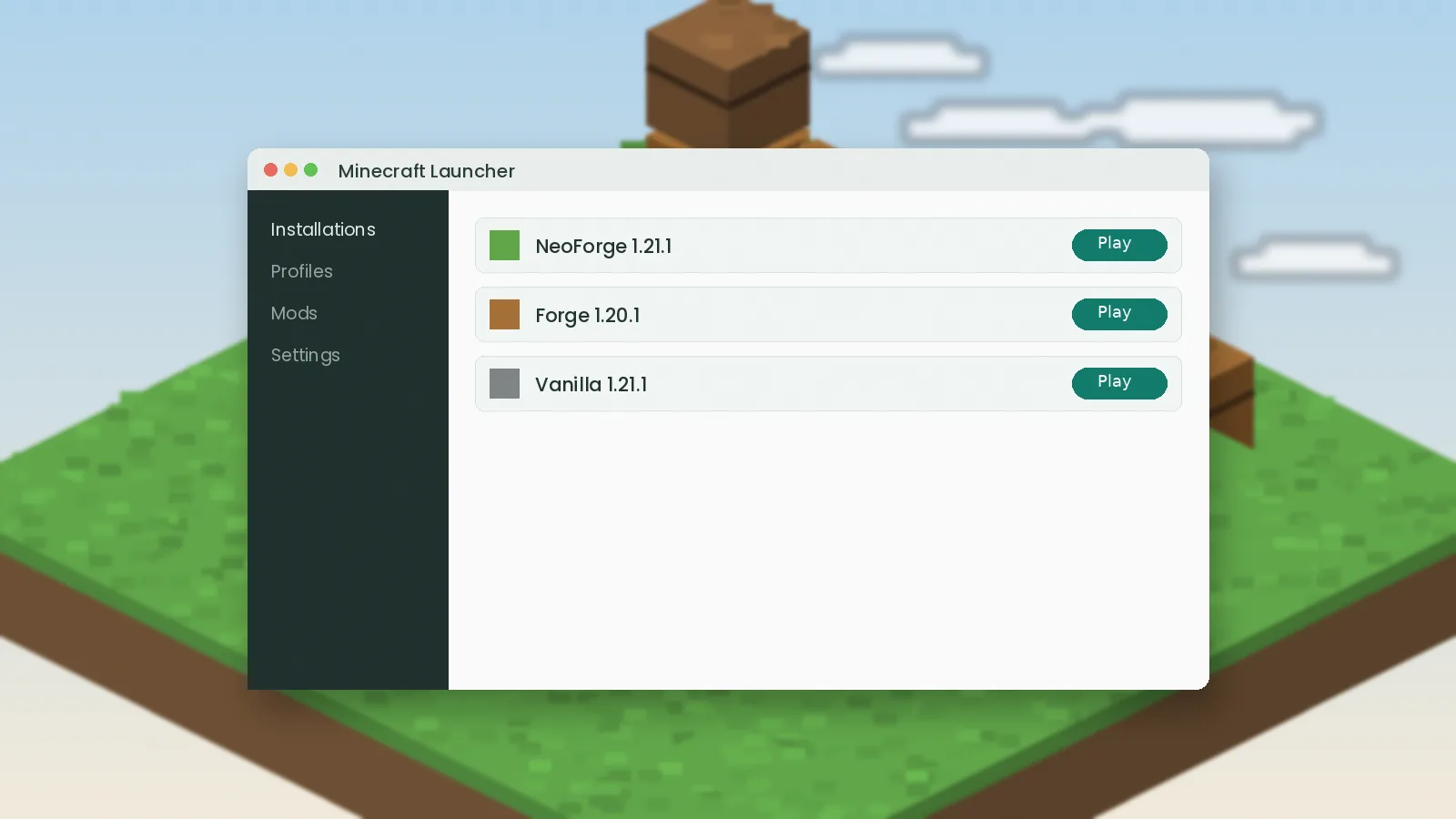
Installing Simple Storage Network is mostly about getting the foundation right: the correct loader, the correct Java version and the jar in the right folder. Follow these steps once and you will have a working storage network in your world within ten minutes, whether you play on Forge or NeoForge.
What you need before you start
Three pieces have to line up: Minecraft Java Edition, a mod loader and the mod file itself. Bedrock Edition cannot load Java mods, so this guide is for Java players only.
Java version
Modern launchers bundle Java for you. If you run a server or a custom launcher, use Java 8 for 1.12.2, Java 17 for 1.18 through 1.20.4, and Java 21 for 1.20.5 and newer.
Mod loader
Use NeoForge for current releases and Forge for older ones. Check the file name on the download page to see which loader each build targets.
Installing the loader
Download the installer from the official NeoForge or Forge website, run it, choose "Install client" and let it finish. Open the Minecraft Launcher once; a new installation profile should appear.
Run the profile once
Launch the new profile and wait for the title screen before closing the game. This creates the mods and config folders you will need next.
Adding Simple Storage Network
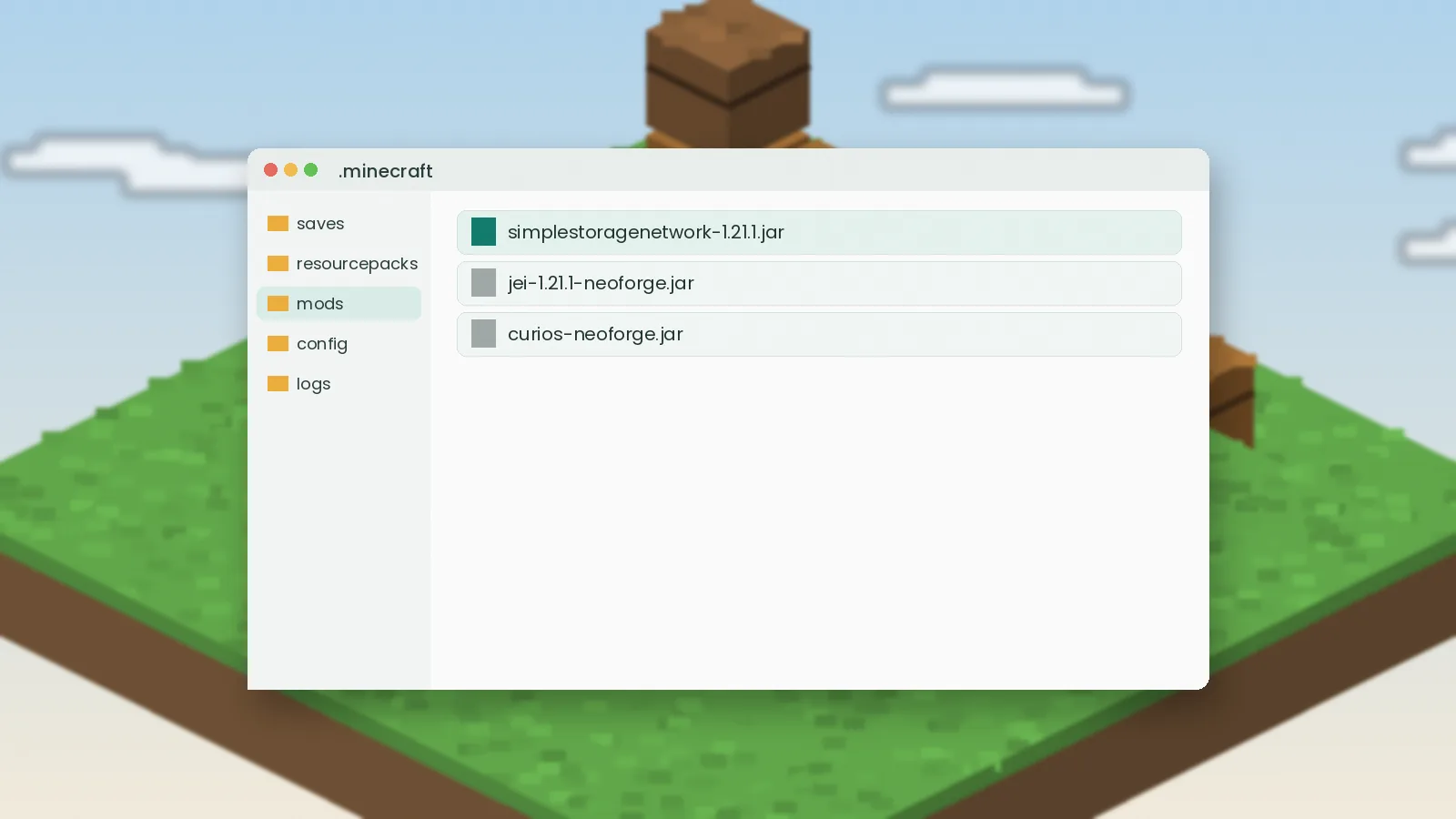
- Open the game directory: press Win+R and type
%appdata%\.minecrafton Windows, or use the launcher's "Open folder" button. - Open the
modsfolder. - Drop the Simple Storage Network jar in, plus any library the release notes list.
- Start the game with your loader profile.
Optional companions
JEI or EMI lets you search recipes and move them into the request table's crafting grid. Curios adds extra equipment slots, which some versions use for carrying remotes.
Confirming it worked
On the title screen, click "Mods" and look for Simple Storage Network in the list. In a creative world, search the inventory for "storage" to see the root block, cables and request table.
Installing on a server
Servers need the same loader version and the same mod jar in the server's mods folder. Every player must have the mod installed on their client as well, because the blocks and screens are added on both sides.
Server memory
Storage networks are light, but modpacks are not. Give a small modded server at least 4 GB of RAM and raise it as the pack grows.
If the game will not start
Open logs/latest.log and search for "storagenetwork" or "missing". Nine times out of ten it is a loader or Minecraft version mismatch. Our troubleshooting guide covers the rest.